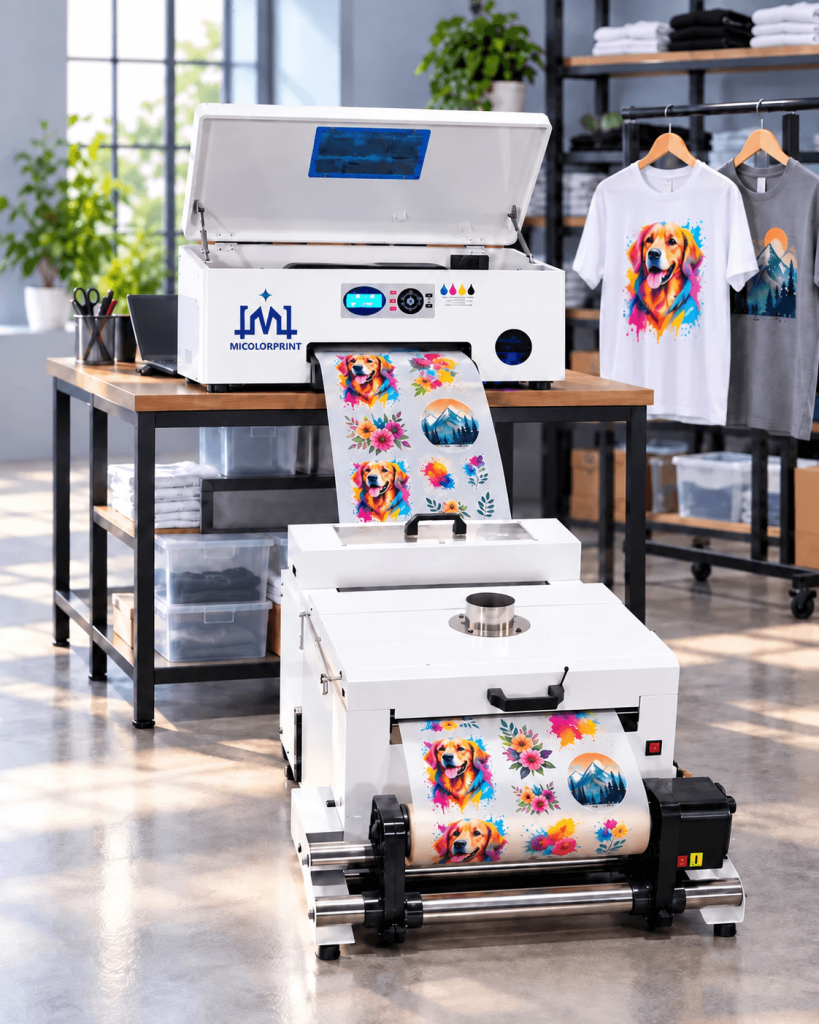
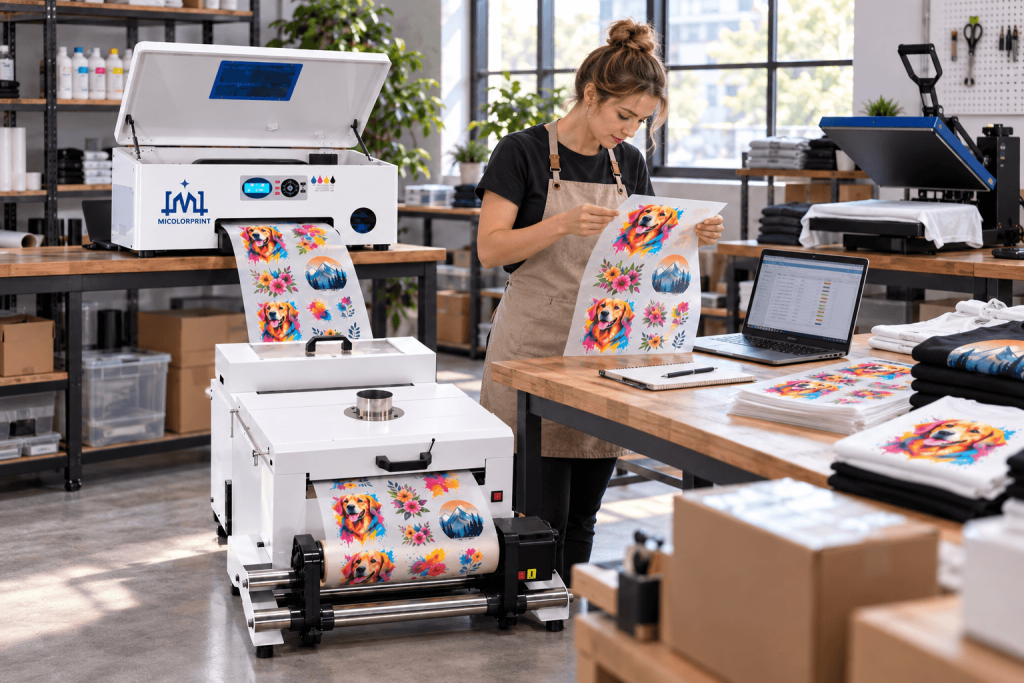
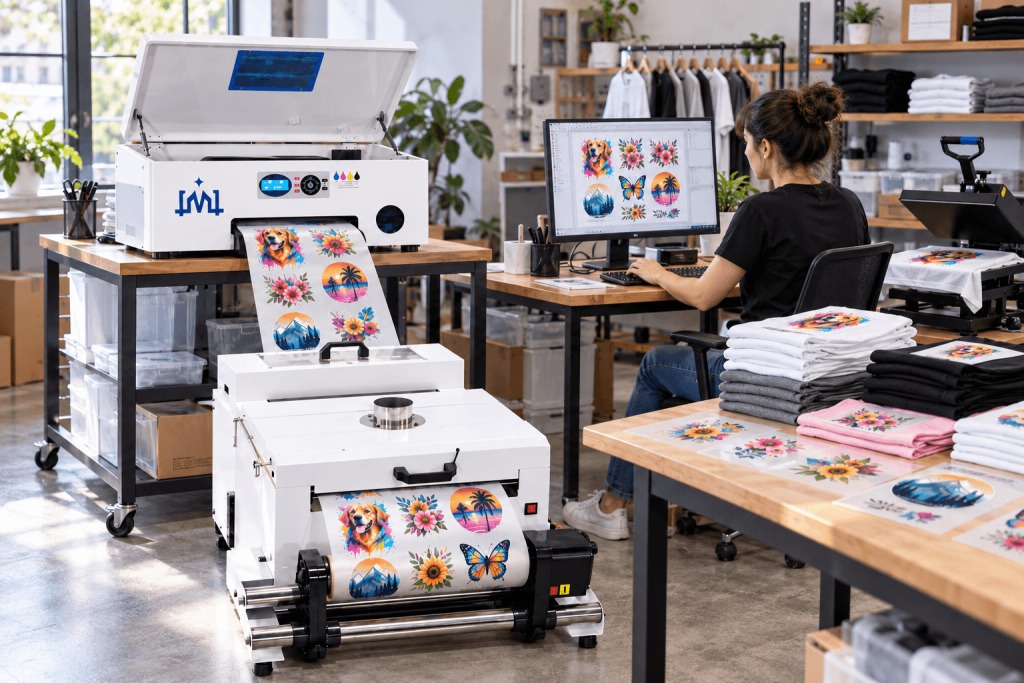
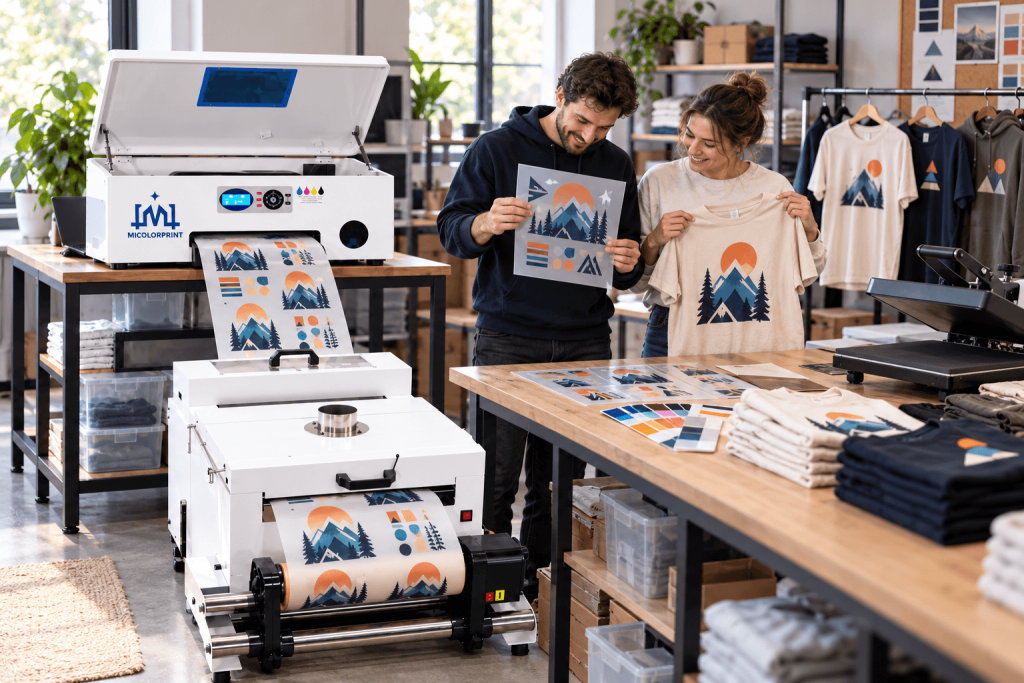
A3 DTF Printers for Small-Batch Apparel Production

Micolorprint | DTF Printer Manufacturer

Choose an A3 DTF printer around the orders you need to deliver.

Explore our A3 / 30cm DTF printing solutions with XP600 printhead configurations and compatible drying equipment. Compare design capacity, workflow requirements and package contents before investing in your setup.

Whether you currently outsource transfers or are adding garment printing to your business, start with a clear equipment plan.

Tell us your largest design, typical workload and existing equipment. Request a recommended configuration, an itemized quotation and shipping options.

Understand the Setup Before You Buy

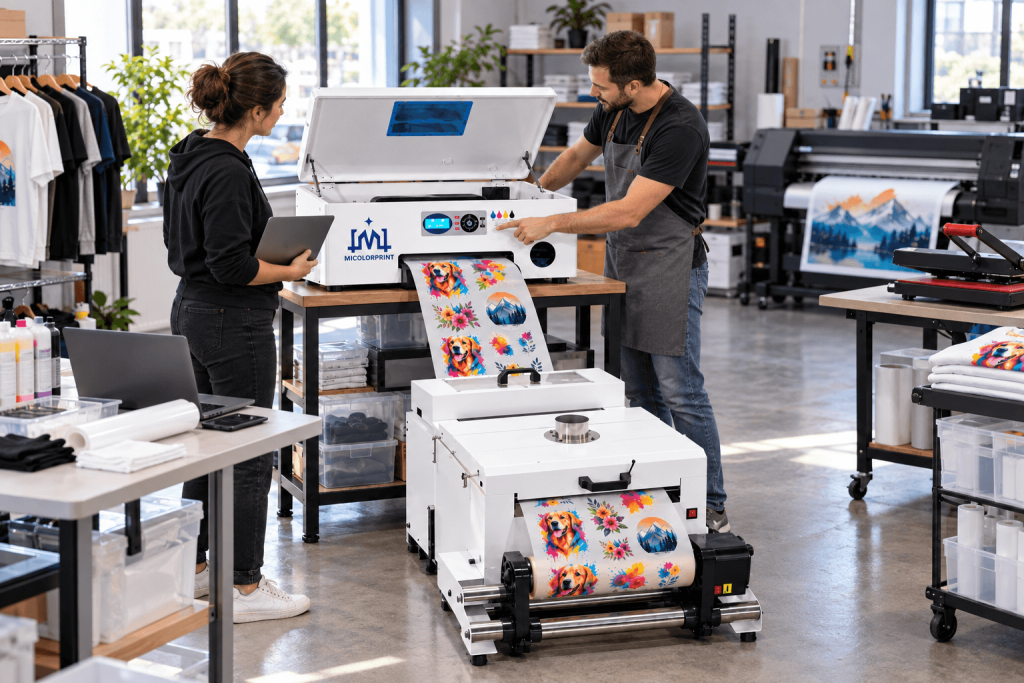
An A3 DTF printer prints color and white ink onto compatible PET transfer film. The complete garment workflow also requires adhesive powder, curing and heat pressing.

“A3” describes a sheet format, while “30cm” describes a width. The supported film width and effective printing width can differ. Check the specifications of the actual model to confirm that your artwork fits.

Models | Print Samples | Workflow | Packages & Pricing | Support | FAQ

Is This the Right Step for Your Business?

Take Control of Transfer Delivery

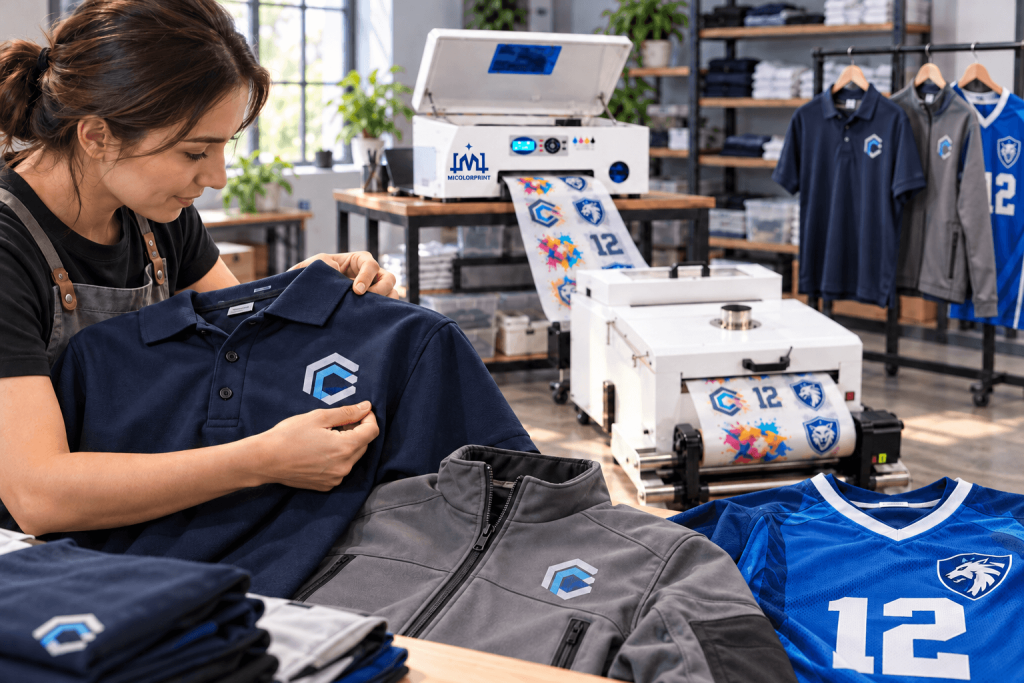
For heat press businesses that purchase ready-made transfers, in-house printing can provide more control over scheduling, revisions and urgent orders.

Compare the savings with the added costs of equipment, maintenance, labor and waste before making the change.

A3 dtf printer for Handle Different Designs in Small Orders

Handle Different Designs in Small Orders

For custom T-shirt shops, the challenge is often preparing and processing many different files.

Evaluate artwork preparation, layout changes and post-processing alongside printing speed.

A3 dtf printer for Produce for Your Own Apparel Brand

Produce for Your Own Apparel Brand

For small brands, review your largest designs, repeat-order requirements and color expectations.

Approve samples on the garments you intend to sell before planning production.

A3 dtf printer for Add DTF to an Existing Print Shop

Add DTF to an Existing Print Shop

For businesses adding a new process, confirm the equipment, workspace, training and maintenance responsibilities required.

Check the Limits Early

An A3 setup may not be the best fit when designs regularly exceed its effective width or when verified output cannot meet your workload.

If your orders are occasional, compare purchasing ready-made transfers with owning and maintaining a printer.

Choose an A3 DTF Printer XP600 Configuration

Avoid choosing by price or printhead name alone. Compare the complete machine, its tested output and the supporting equipment needed for your orders.

Single XP600 DTF Printer Configuration

Model:MC-H1DTF/MC-Single XP600 DTF

Evaluate this model for your initial equipment plan or smaller-order workflow. Check its measured printing time, feeding method and maintenance requirements against your production schedule.

  • Effective print width: Up to 300 mm 
  • Supported film width: 300 mm 
  • Printhead model and quantity: 1 × Epson XP600/F1080 printhead 
  • Film feeding: Roll-fed PET film or Sheet-fed PET film(Optional )
  • White ink management: White ink circulation and stirring 
  • Compatible curing equipment: DTF curing oven or compatible powder shaker with integrated dryer, sold separately 

Dual XP600 DTF Printer Configuration

Model: MC-H2DTF/MC-Dual XP600 DTF

Evaluate this model when comparing output and production arrangements. Request a demonstration using artwork and settings equivalent to those used for the other configuration.

  • Effective print width: Up to 300 mm
  • Supported film width: 300 mm
  • Printhead model and quantity: 2 × Epson XP600/F1080 printhead 
  • Film feeding:  Roll-fed PET film or Sheet-fed PET film(Optional )
  • White ink management: White ink circulation and stirring 
  • Compatible curing equipment: DTF curing oven or compatible powder shaker with integrated dryer, sold separately 

Compare What Matters to Your Workflow

Item

Single XP600 Model

Dual XP600 Model

Model

MC-H1DTF/MC-Single XP600 DTF

MC-H2DTF/MC-Dual XP600 DTF

Effective print width

Up to 300 mm 

Supported film width

300 mm PET film 

Printhead configuration

1 × Epson XP600/F1080 

2 × Epson XP600/F1080 

Sheet / roll support

Sheet(optional and roll PET film 

Tested printing time

2-3 min per 280 × 350 mm design 

1-2 min per 280 × 350 mm design 

White ink stirring

Included 

White ink circulation

Optional 

RIP software and license

Maintop/UltraPrint/RIIN  — license included 

Curing equipment options

DTF curing oven/sold separately(optional) 

Installation space

Approx. 0.95 × 0.85 m, including operating and maintenance clearance 

Power requirements

Printer: 220V/110V, 50-60Hz 

Dryer: 220V/110V, 50-60Hz 

Tested printing time: Contact us for a timed printing test using your artwork. 

A dual-head configuration does not automatically double finished-garment output. Powder handling, drying and heat pressing also affect production.

Not sure which model fits? Send your design size and typical orders.

Evaluate the Finished Transfer Before Ordering

A clean print on film is only part of the result. Check how the complete transfer looks, feels and performs on your intended garment.

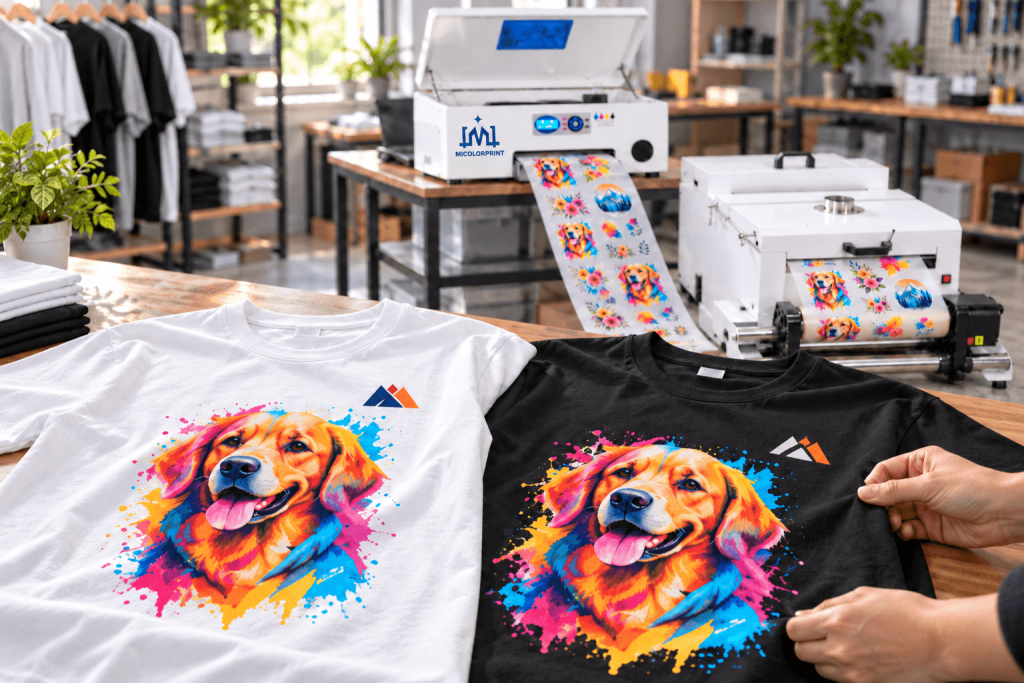
Custom T-Shirts

Review personalized graphics and logos on the actual light and dark fabrics you use.

A3/30cm dtf printer for Hoodies and Sweatshirts

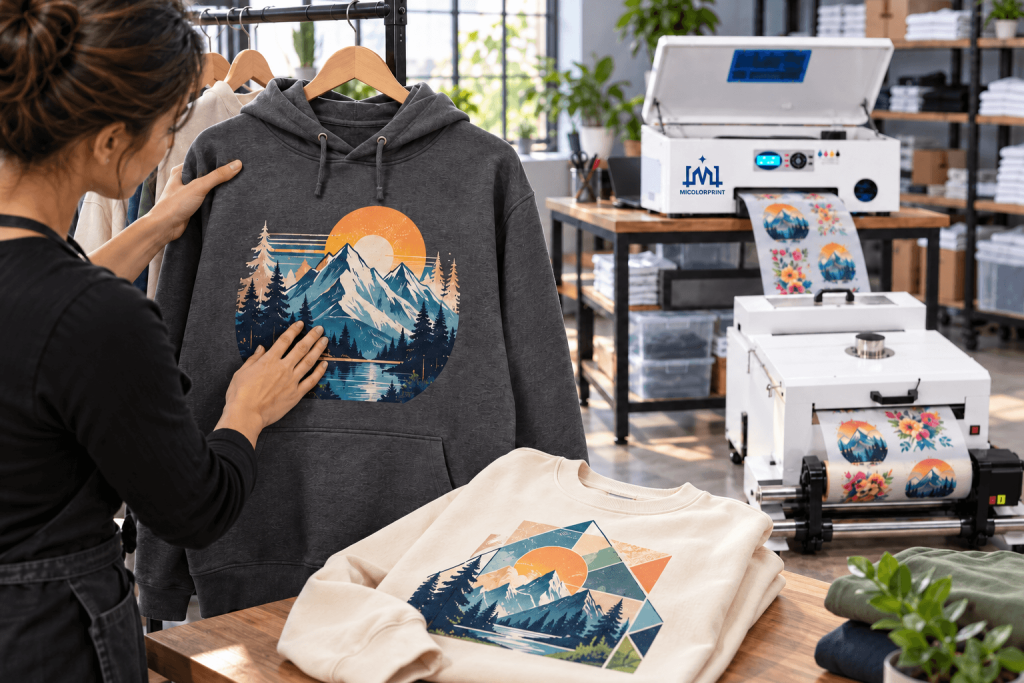
Hoodies and Sweatshirts

Evaluate larger artwork, placement and finished feel on the selected garment.

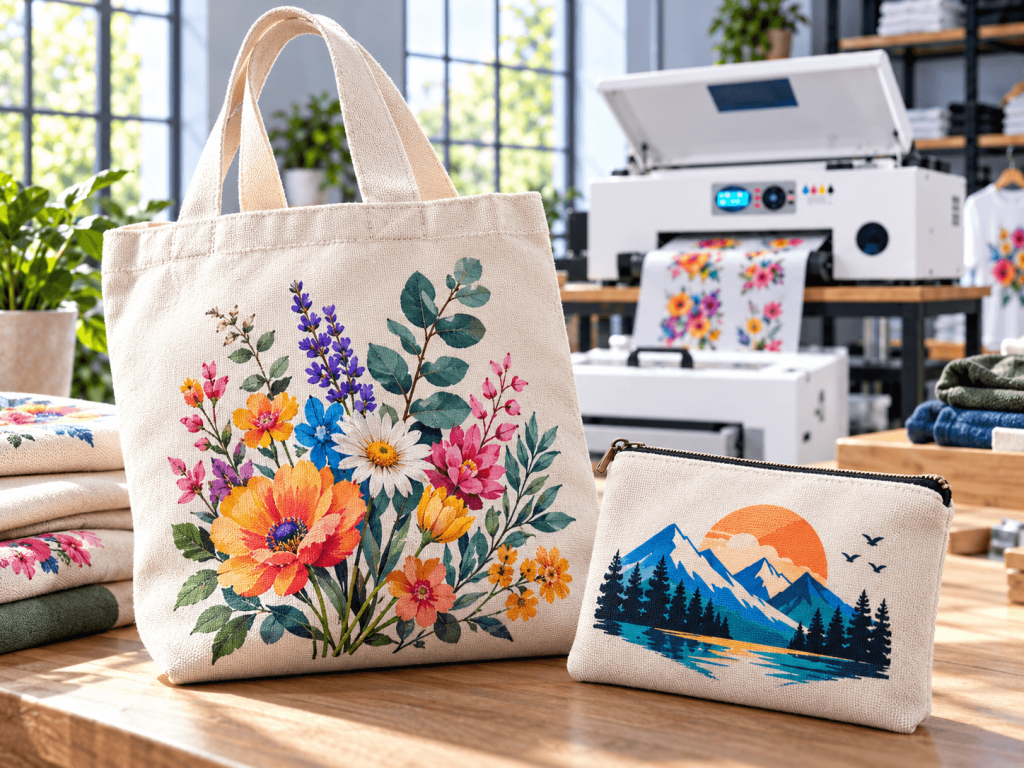
Tote Bags

Test detail and adhesion on your intended bag material, including its texture and thickness.

A3/30cm dtf printer for Workwear and Team Apparel

Workwear and Team Apparel

Check logo clarity, garment compatibility and the performance required by your customers.

Fabric and Durability Testing

Fabric composition, dyes, coatings and heat sensitivity can affect results. Colored polyester may require particular attention to dye migration.

For wash-test results, review the fabric, ink, film, powder, pressing conditions and washing method associated with the sample.

Sample records and test results: Send us your artwork and fabric details to discuss sample printing and suitable testing requirements. 

Plan the Complete Workflow

dtf printer From Artwork to a Finished T-Shirt operate

Know which steps are manual, which equipment is included and where production time is spent.

Step

Process

What to Confirm

1. Prepare

Process and arrange artwork in the RIP

Software, file handling and training

2. Print

Print color and white ink onto film

Model, settings and usable width

3. Apply Powder

Apply adhesive powder and remove excess

Manual or automatic method

4. Cure

Cure the powdered transfer

Compatible oven or dryer

5. Transfer

Heat press, peel and finish as specified

Heat press and material instructions

Use the validated settings for your film, powder and fabric. Powder curing and garment pressing are separate processes.


What Do You Already Own?

Item

Needed for the Workflow

Package Status

Computer

Runs compatible printing software

Not included; customer-supplied 

RIP software

Prepares layouts and print output

Included with license 

DTF printer

Produces the printed transfer

Included — selected printer model 

Ink, film and powder

Transfer consumables

Starter ink, film and powder included 

Powder-handling equipment

Applies and removes powder

Confirm selected package

Curing equipment

Cures the transfer

Confirm selected package

Heat press

Applies the transfer to the garment

Not included; customer-supplied /Optional; sold separately 

Maintenance supplies

Supports routine care

Basic maintenance kit included 

Watch the Complete Workflow

Assess Output Using Your Actual Orders

A speed claim is useful only when you know how it was measured.

Request a demonstration using your typical design dimensions and proposed configuration. Review the time required for printing and the remaining production steps.

Printing Test Record

Test Item

Condition

Printer model

MC-H2DTF/MC-Dual XP600 DTF

Printhead configuration

2 × Epson XP600/F1080 printheads 

Artwork size and layout

280 × 350 mm per design; 1 design per row; 3 rows 

Print mode and pass setting

720 × 1440 dpi; 8-pass; bidirectional 

White ink setting

White underbase enabled; white ink density: 80% in RIP 

Measured printing time

1 min 58 sec for the complete layout; printing only 

Consumables

DTF pigment ink (CMYK + white); (film 30cm*42cm); (powder 1kg) 

Post-processing arrangement

Automatic powder application and curing with a compatible shaker/dryer 

Check Where Your Workflow Could Slow Down

For varied small orders, consider file preparation, layout changes and order identification.

For repeat production, evaluate feeding, curing capacity and transfer handling.

For urgent delivery, allow for nozzle checks, setup and possible reprints.

Understand routine maintenance before making a decision.

Incorporate printer maintenance into your production schedule.

White ink management and automatic cleaning functions can assist operation, but the selected model still requires scheduled inspection and maintenance.

White Ink Management

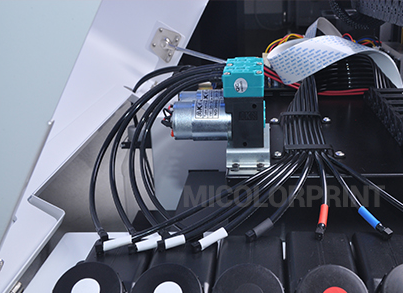
Confirm whether the machine includes reservoir stirring, circulation or other functions. Ask where circulation occurs and which tasks remain manual.

System details: White ink reservoir stirring and circulation in the white ink supply circuit (optional). Routine checks and maintenance are still required. 

Printhead and Maintenance Access

Review the nozzle-check process, cleaning procedure and access to maintenance components.

Maintenance instructions: Follow the model-specific maintenance guide for nozzle checks, routine cleaning, white ink care and shutdown preparation. 

A3 dtf printer for Add DTF to an Existing Print Shop

Film Handling

Confirm the loading procedure and inspect the film path during a demonstration.

Feeding system details: Roll-fed PET film with manual loading and alignment. Follow the model-specific instructions for film routing and feed setup. Automatic take-up is provided by the compatible powder shaker/dryer. 

Plan for Normal Use and Downtime

Situation

What You Need to Know

Before printing

Required checks and preparation

Daily operation

Cleaning and white ink care

Periodic maintenance

Inspection and replacement of applicable parts

Several idle days

Model-specific downtime procedure

Extended shutdown

Manufacturer-guided preparation and restart

Do not apply another printer’s shutdown or cleaning method without confirmation. Printhead cleaning cannot guarantee recovery from every fault.

A3 / 30cm DTF Printer Packages & Pricing

Compare the total setup cost with a clear list of included equipment.

Printer Only

For buyers who already have compatible powder-handling, curing and pressing equipment.

Included items: Selected A3 / 30cm DTF printer. 

Required separately: Compatible computer, RIP software and license, DTF ink, PET film, hot-melt powder, powder-handling equipment, drying equipment and heat press. 

Printer + Curing Oven

For a workflow using separate powder application and oven curing.

Included items: Selected A3 / 30cm DTF printer and compatible DTF curing oven.

Required separately: Compatible computer, RIP software and license, DTF ink, PET film, hot-melt powder, manual powder application tools and heat press. 

Printer + Powder Shaker & Dryer

For buyers evaluating compatible automatic powder application and drying.

Included items: Selected A3 / 30cm DTF printer and compatible powder shaker with integrated dryer. 

Required separately: Compatible computer, RIP software and license, DTF ink, PET film, hot-melt powder and heat press. 

What Affects the 30cm DTF Printer Price?

Printer configuration, drying equipment, software, accessories, consumables, and shipping range all affect the price.

Request the same itemized information when comparing suppliers:

  • Machine model and printhead configuration;
  • Supporting equipment;
  • Software and license;
  • Accessories and maintenance supplies;
  • Initial consumables;
  • Training and support;
  • Packing and transport;
  • Trade terms and payment conditions.

Consider Running Costs Too

Your transfer cost includes ink, film, powder, labor, energy, maintenance and waste. Finished-garment costing also includes the garment and applicable packaging.

Use your design sizes and order volume when comparing in-house production with purchased transfers.

Factory Checks Before Shipment

Confirm what will be tested and what records will accompany your order.

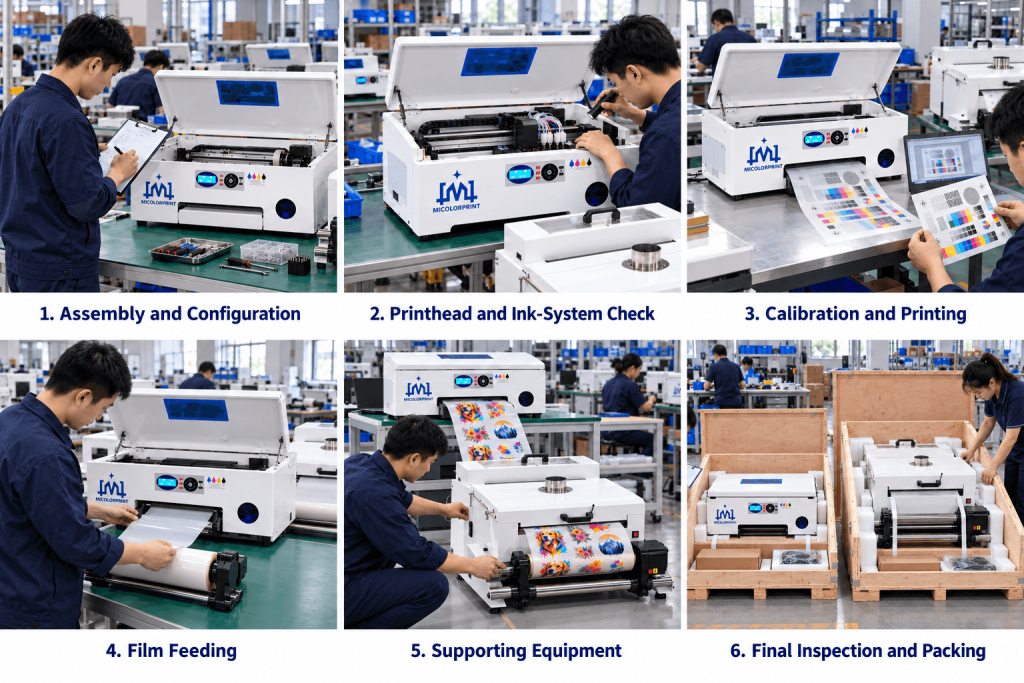
A3/30cm dtf printer for Assembly and Configuration, Printhead and Ink-System Check, Calibration and Printing , Film Feeding , Supporting Equipment , Final Inspection and Packing

Ask about printing videos, configuration records and packing photographs for your order.

Assembly and Configuration

Check the machine against the confirmed model and equipment list.

Printhead and Ink-System Check

Check the installed printing and ink systems before output testing.

Calibration and Printing

Complete applicable adjustments and inspect test output.

Film Feeding

Check the feeding function relevant to the selected model.

Supporting Equipment

Check included curing or powder-handling equipment as applicable.

Final Inspection and Packing

Verify the machine, accessories, software and supplied items against the packing list.

Prepare for Installation and Training

Confirm the installation conditions before your equipment arrives.

Requirement

Selected Configuration

Voltage and frequency

Printer: 220V/110V, 50-60 Hz; 

shaker/dryer: 220V/110V, 50-60 Hz

Power requirements

Rated power and electrical installation requirements provided with the confirmed configuration. 

Computer and operating system

Windows 7/10/11

Workspace and maintenance clearance

Equipment footprint: 950 × 850 mm; allow 300 mm clearance for operation and maintenance. 

Operating temperature and humidity

Optimal temperature: 15 ℃ -35 ℃, relative humidity 20% -80%

Ventilation arrangements

In enclosed and indoor work spaces, it is recommended to install smoke extraction and ventilation systems.

Plan the complete space for printing, powder handling, drying and pressing. Review the supplied safety data sheets and equipment instructions.

Training Scope

Confirm guidance for:

  • Machine preparation and initial checks;
  • Software installation and authorization;
  • Artwork, layout and white-layer settings;
  • Printing and transfer workflow;
  • Daily maintenance;
  • Downtime preparation;
  • Basic troubleshooting.

Training format, languages and documentation: Remote video training, English-language support, and digital operation manuals and tutorial videos. 

Know How Support and Spare Parts Are Handled

A clear support arrangement helps you prepare for problems before they affect delivery.

Technical Assistance

When requesting support, provide the model, serial number, nozzle check, settings and clear photos or video.

Support channels and service hours: Contact us to confirm technical support channels(wechat/whatsapp) and service hours for your order. 

Maintenance Parts and Replacements

Confirm which parts are commonly required, how to order them and whether a spare-parts package is appropriate for your business.

Parts supply arrangements: Contact us with your machine model and the required part. Availability, price, lead time and shipping costs will be confirmed before purchase. 

Written Warranty Terms

Review the warranty duration, covered components, exclusions and claim procedure. Confirm printhead coverage separately.

Warranty and printhead policy: Request the written warranty terms for your selected configuration, including the warranty period, covered components, exclusions and separate printhead coverage. 

Packing and Shipping for Your Destination

Request transport information for the complete package.

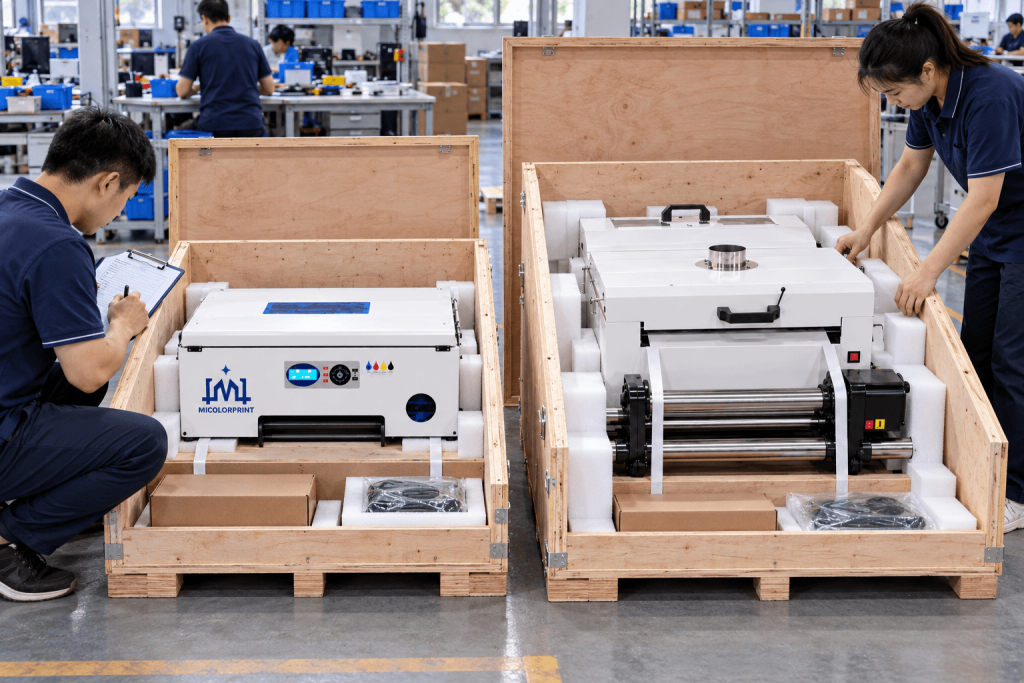
  • Packing method: Two separate wooden crates: one for the printer and one for the powder shaker and dryer. 
  • Packed dimensions: Printer crate: 95 × 56 × 62 cm; shaker/dryer crate:60 × 78 × 69 cm. 
  • Gross weight: Printer crate: 80kg(if DTF ink, PET film, hot-melt powder package with printer, the total weight will add DTF ink, PET film, hot-melt powder weight); shaker/dryer crate: 60 kg; total: 140kg. 
  • Available shipping arrangements:Contact us to confirm shipping options and port-to-port or door-to-door availability for your destination. 

Before ordering, confirm the Incoterm, freight, insurance, customs-clearance responsibility, duties, local handling and delivery requirements.

A3/30cm dtf printer for Final Inspection and Packing

When Your Equipment Arrives

Photograph the packaging before unpacking. Check for visible damage and compare the contents with the packing list.

Confirm the electrical supply and installation conditions before following the startup procedure.

A3 DTF Printer FAQ

No. A3 describes a sheet format, while 30cm describes a width. Check the selected model’s effective print width, film width and feeding method.

Provide the final design width and height. Compare them with the effective printing area and any length restrictions for the machine.

Compare measured output under equivalent conditions and include your drying and pressing capacity. The appropriate configuration depends on the complete workflow. Only said print speed, two head fast than one head.

Roll support depends on the model. Confirm the film format, width and feeding limitations.

Not every workload requires one. Compare the labor, space and capacity of manual handling with an automatic setup.

You need compatible software, consumables, powder handling, drying and heat pressing. Request a checklist that identifies what is included and what you must provide.

Possibly. Check its pressing area, temperature control and pressure against your garment and transfer requirements.

No universal result should be assumed. Test the intended fabric, especially coated, heat-sensitive, elastic or dyed polyester materials.

Not automatically. Approve important colors through samples produced with the proposed settings and materials.

Durability depends on materials, fabric and processing. Review test conditions and results relevant to your application.

No. Follow the machine’s prescribed checks, cleaning and downtime instructions.

Obtain the model-specific procedure for the expected idle period before leaving the equipment unused.

Request an itemized list covering the machine, software, accessories, consumables, supporting equipment and shipping scope.

Confirm the written policy separately. General machine warranty wording does not establish coverage for every printhead failure.

Send the artwork, final dimensions and garment information. Ask about sample availability, test conditions and costs.

Provide your typical orders, largest artwork, intended fabrics, existing equipment, workspace and destination country.

Get the Right A3 DTF Printer Configuration for Your Business

Start with your production requirements.

Tell Micolorprint what you plan to print, how often you print and which equipment you already own. Request a suitable configuration and an itemized quotation.

Tell us

Scroll to Top

Get In Touch

Fill in the form below and our team will be happy to assist you

Contact Information

Whatsapp:+8613917392762 
Email:service@micolorprint.com

Opening Hours

Monday – Friday 9am-6pm 
Weekend – Closed

Address

501, Building B, No. 13, Maling 2nd Road, Nanlian Community, Longgang Street, Longgang District, Shenzhen, Guangdong, China