
What is RIP software?
RIP is the abbreviation for Raster Image Processor, which generally refers to a processor or software that interprets and converts image files into raster dot-matrix data. It is an essential tool in the printing industry. All output devices—such as printers, imagesetters, etc.—require a RIP to drive and process the print data.
Key Terms Explained
CMYK Curves
CMYK curves represent the dot area coverage, meaning the percentage of a unit area of paper covered by ink.
For example, if the cyan dot area coverage is 70%, it means that out of 1 square millimeter of paper, 0.7 square millimeters are covered by cyan ink. The more ink coverage, the darker the color. Thus, 70% cyan appears darker than 50% cyan.
0% = blank paper
100% = solid ink coverage
Traditional printing uses four inks—Cyan, Magenta, Yellow, and Black. The first three are primary subtractive colors, and Black is used to enhance contrast and depth. In simple terms, CMYK curves in inkjet printing mainly control the ink limiting for each of the four colors.
ICC Color Management
ICC color management is a standardized system defined by the International Color Consortium (ICC).
When colors are converted between devices such as scanners, digital cameras, monitors, and printers, the ICC standard helps correct color differences and minimizes color deviation and distortion during conversion.
Halftone Dots
Grayscale levels represented by bit depth:
1-bit = 2 (2¹) grayscale levels
2-bit = 4 (2²) grayscale levels
3-bit = 8 (2³) grayscale levels
Examples:
2-bit RIP Dot Values
| Dot Type | Supported | Value |
| Empty Dot | √ | 00 |
| Small Dot | √ | 01 |
| Medium Dot | √ | 10 |
| Large Dot | √ | 11 |
1-bit RIP Dot Values
| Dot Type | Supported | Value |
| Empty Dot | √ | 0 |
| Valid Dot | √ | 1 |
Dot Levels
Dot level indicates the PRN dot depth generated by the RIP.
1-bit dot depth
Blank pixels → PRN = 0
Pixels with ink (1–100%) → PRN = 1
2-bit dot depth
Blank pixels → PRN = 00
1–33% ink → PRN = 01 (small dot)
34–66% ink → PRN = 10 (medium dot)
67–100% ink → PRN = 11 (large dot)
3-bit dot depth
Blank pixels → PRN = 0000
1–14% → 0001
15–28% → 0010
29–42% → 0011
43–57% → 0100
58–71% → 0101
72–85% → 0110
86–100% → 0111
Halftoning Methods
Large dots only
Medium dots only
Small dots only
Medium + large dots
Medium + small dots
Large + medium + small dots
Single-dot (fixed dot) printing
Requires higher DPI

Variable dot printing
Allows lower DPI while maintaining similar image quality
Improves text output quality

Variable Dot Grayscale Printing

Analysis of RIP File Data
Large/medium/small dots (without curves)

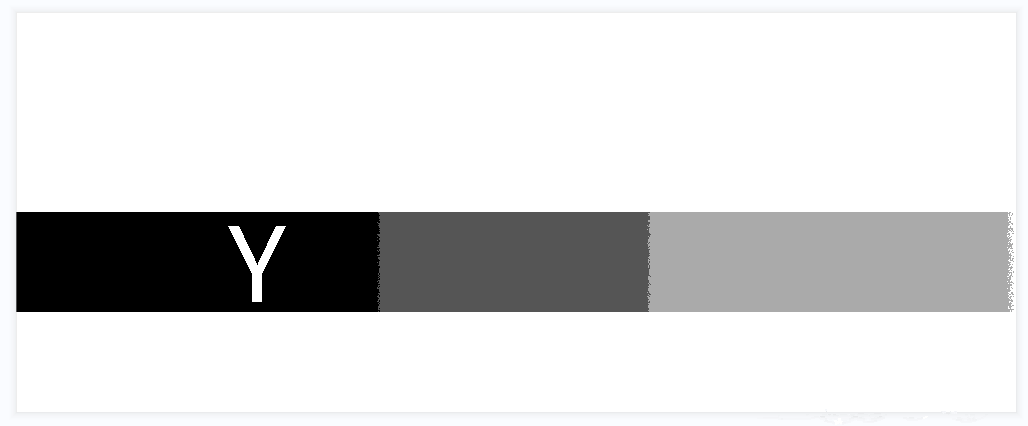

Large/medium/small dots (with curves)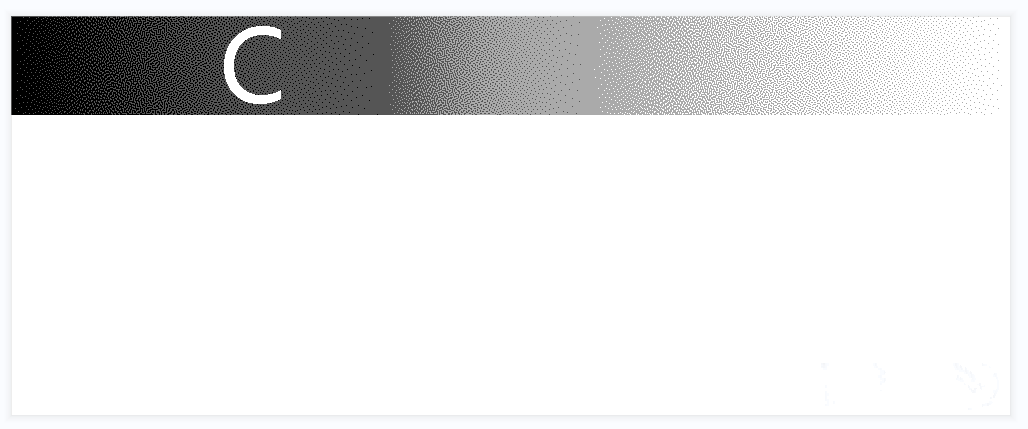
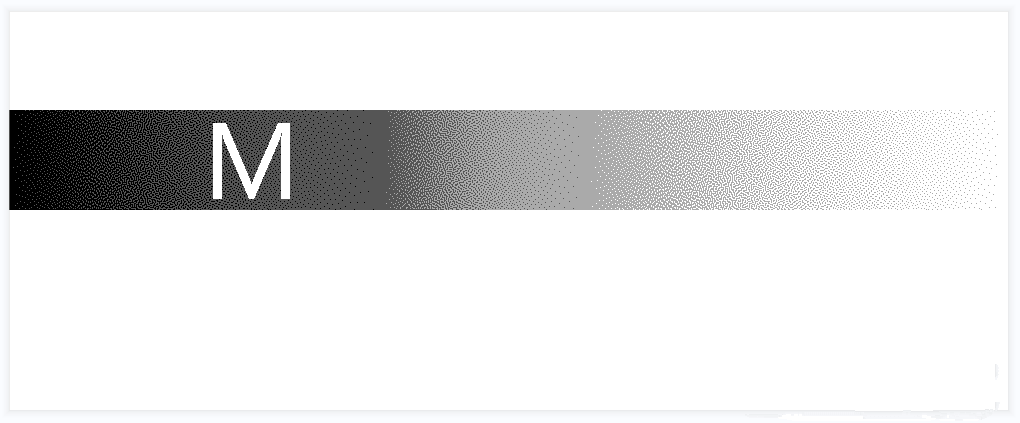
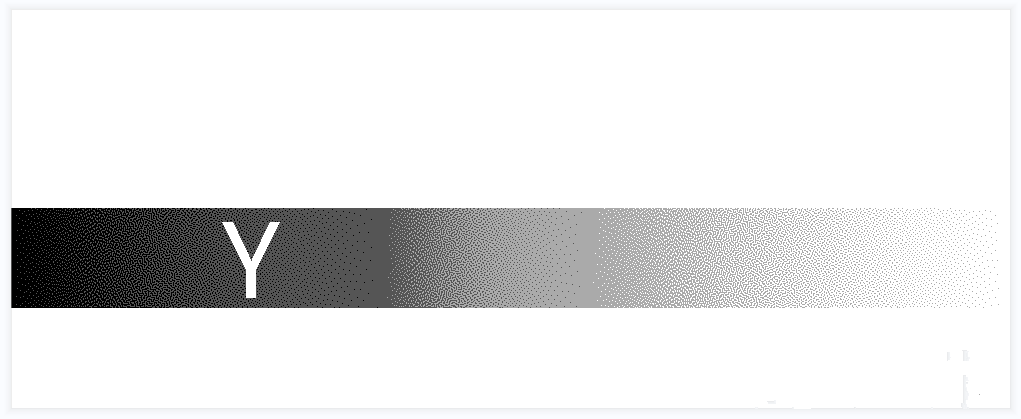

Dot distribution (zooming into the K channel)_2025-11-19_13-25-10.png)
If grayscale uses single-dot generation
(The advantages of grayscale printing will be lost)
Small dot only
Medium dot only
Large dot only
After applying ICC (single colors mix with other inks to enhance depth and match standard colors)
C channel data
M channel data
Y channel data
K channel data
Important Notes
Resolution is critical when processing bitmap images
The output image quality depends heavily on the resolution set at the beginning of the workflow.
“Resolution” refers to:
The amount of detail in an image file
The detail level that an input/output/display device can produce
When working with bitmaps:
Resolution affects final output quality
Resolution affects file size
Once chosen, the resolution typically stays with the file throughout editing
If you want your final output to look the same as what you see on screen, you must understand the relationship between the image’s resolution and the resolution of different output devices before starting.