DTF Printers for T-Shirt & Apparel Printing

Choose a DTF printer around the orders you actually produce. Compare usable print widths, machine configurations and the equipment required to turn printed film into finished garment transfers.

Micolorprint manufactures apparel DTF printing machines. Tell us your largest design, target garments and expected order volume, and we will help you review a suitable configuration and the items included in your quotation.

Printer-only and complete-setup quotations available · Sample tests by request

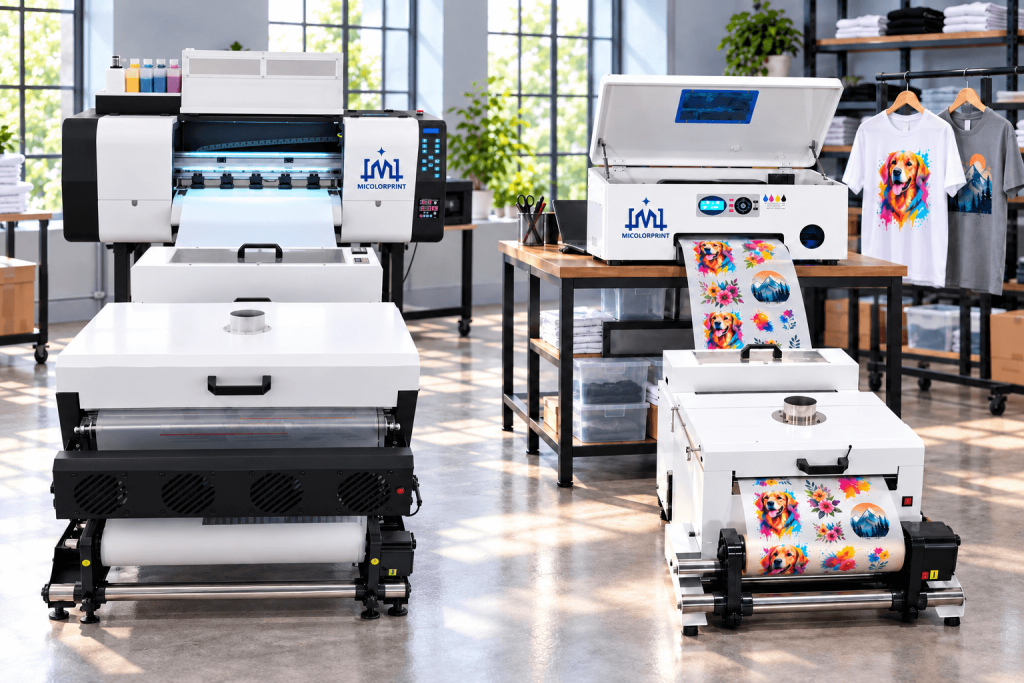
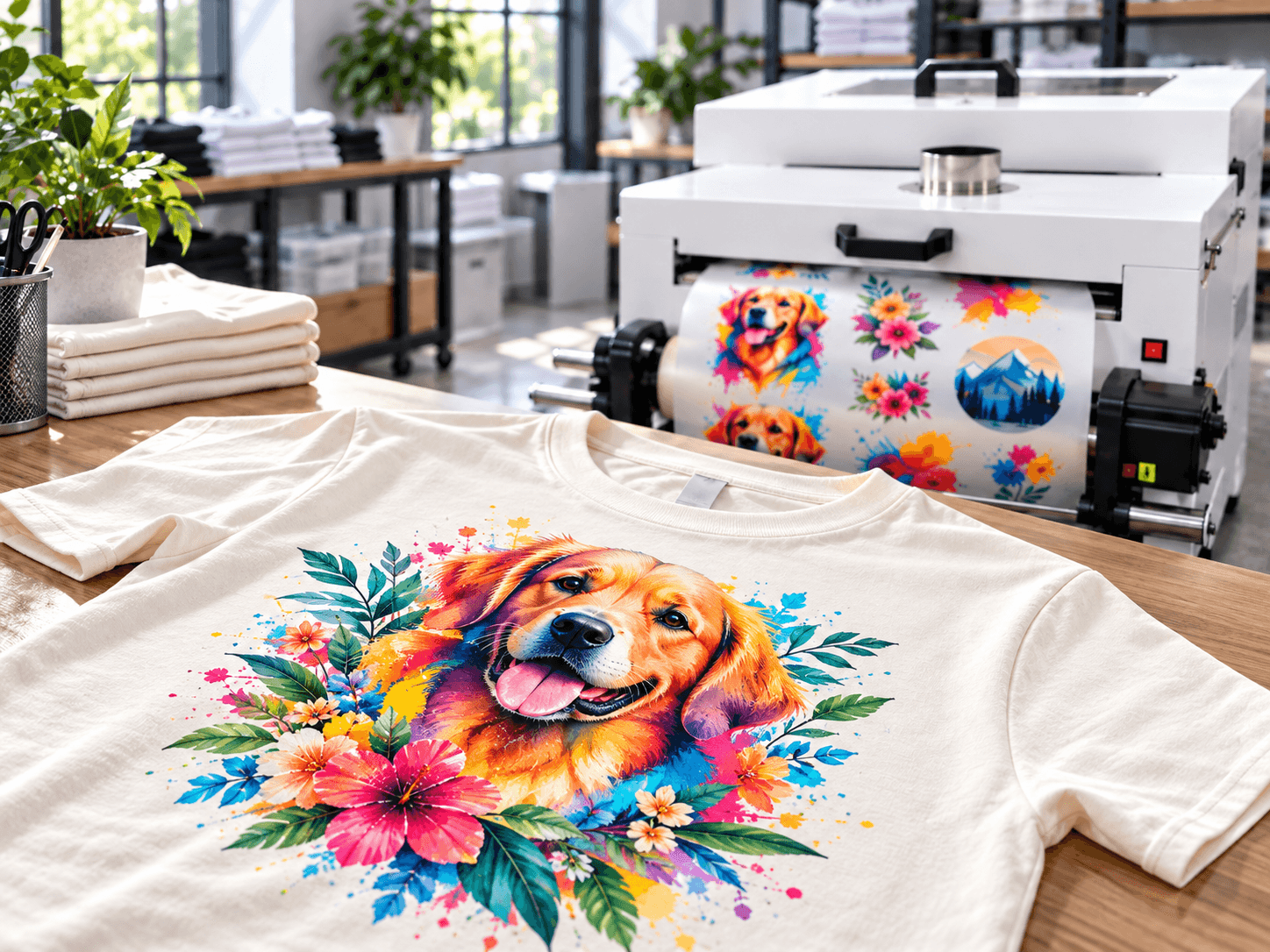
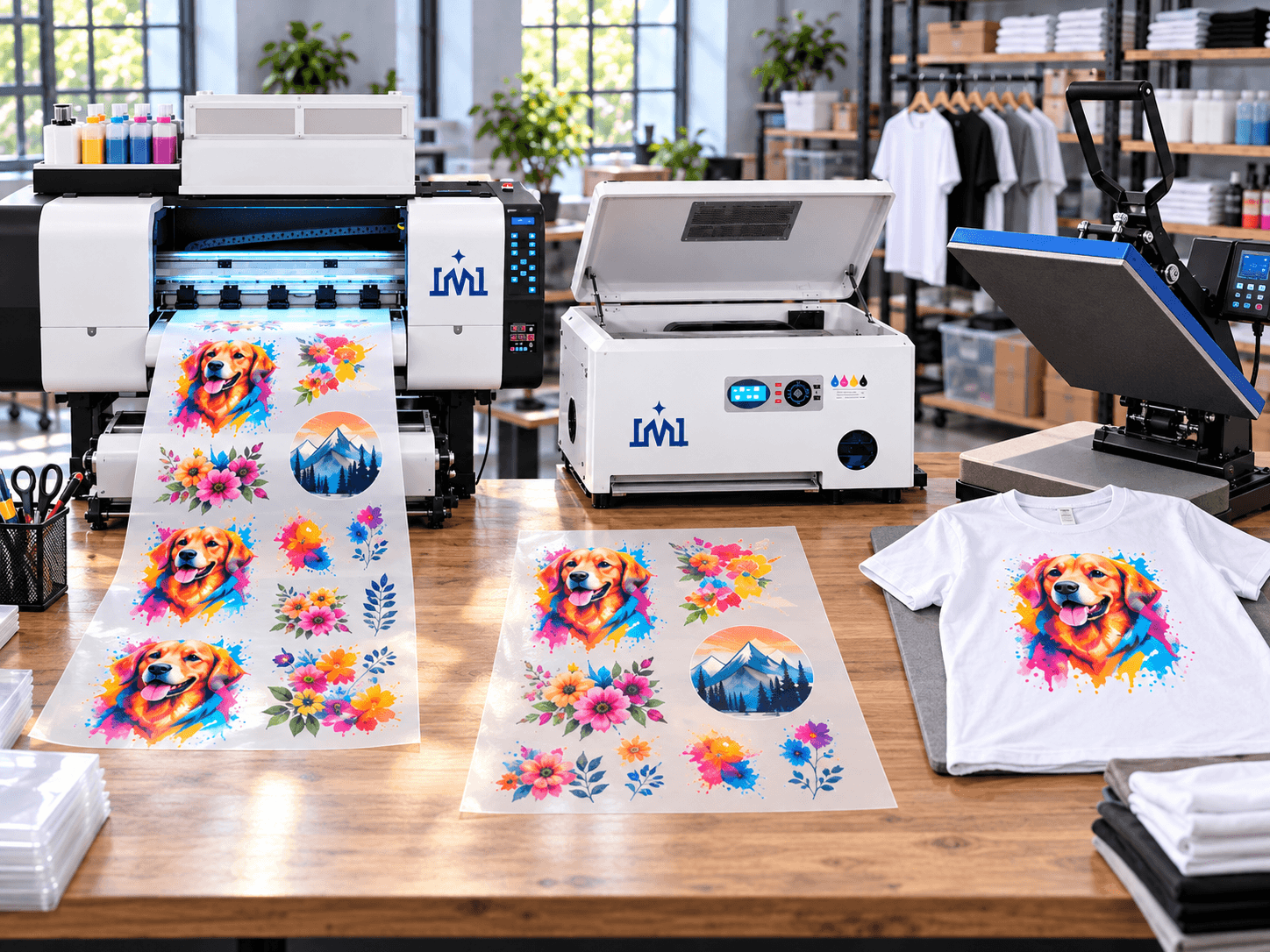
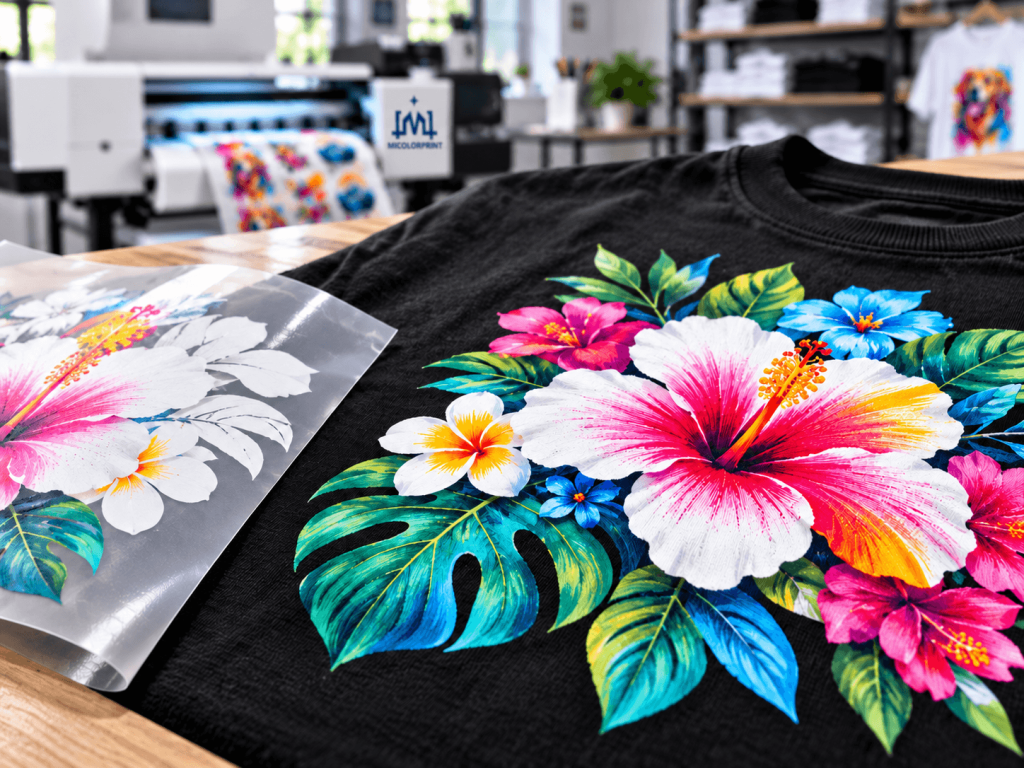
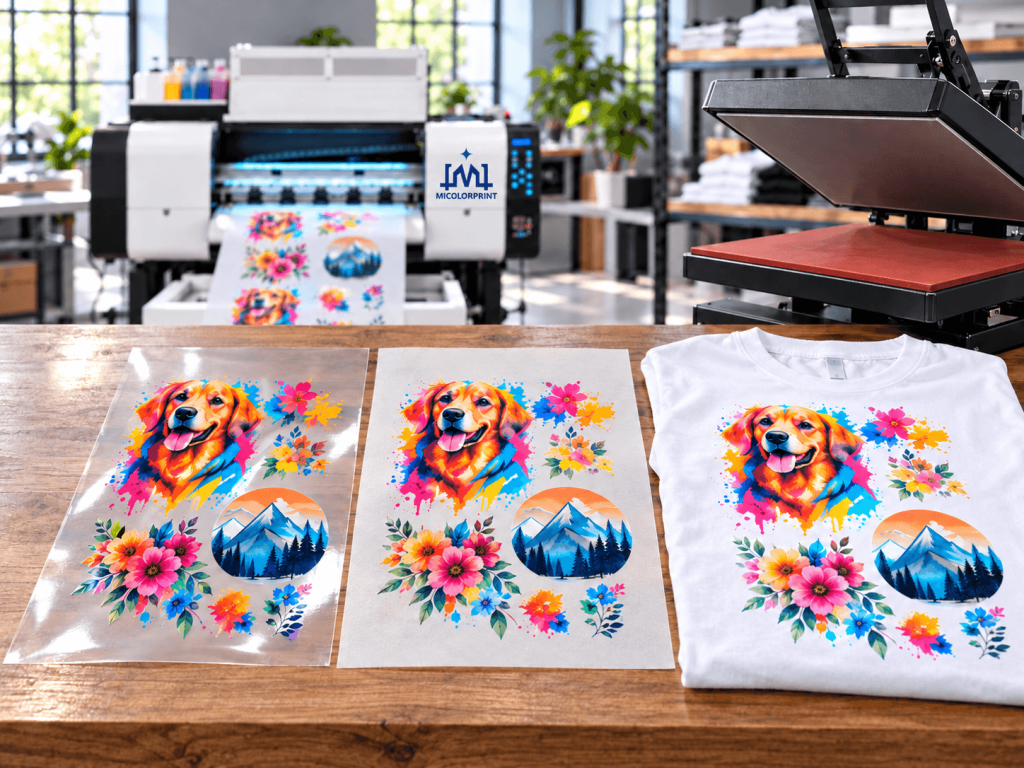
The exact machine model shown with real printed film and a finished T-shirt

What Is a DTF Printer?

Do you need a printer alone, or a complete production setup? Tell us what equipment you already have so we can quote the parts you need.

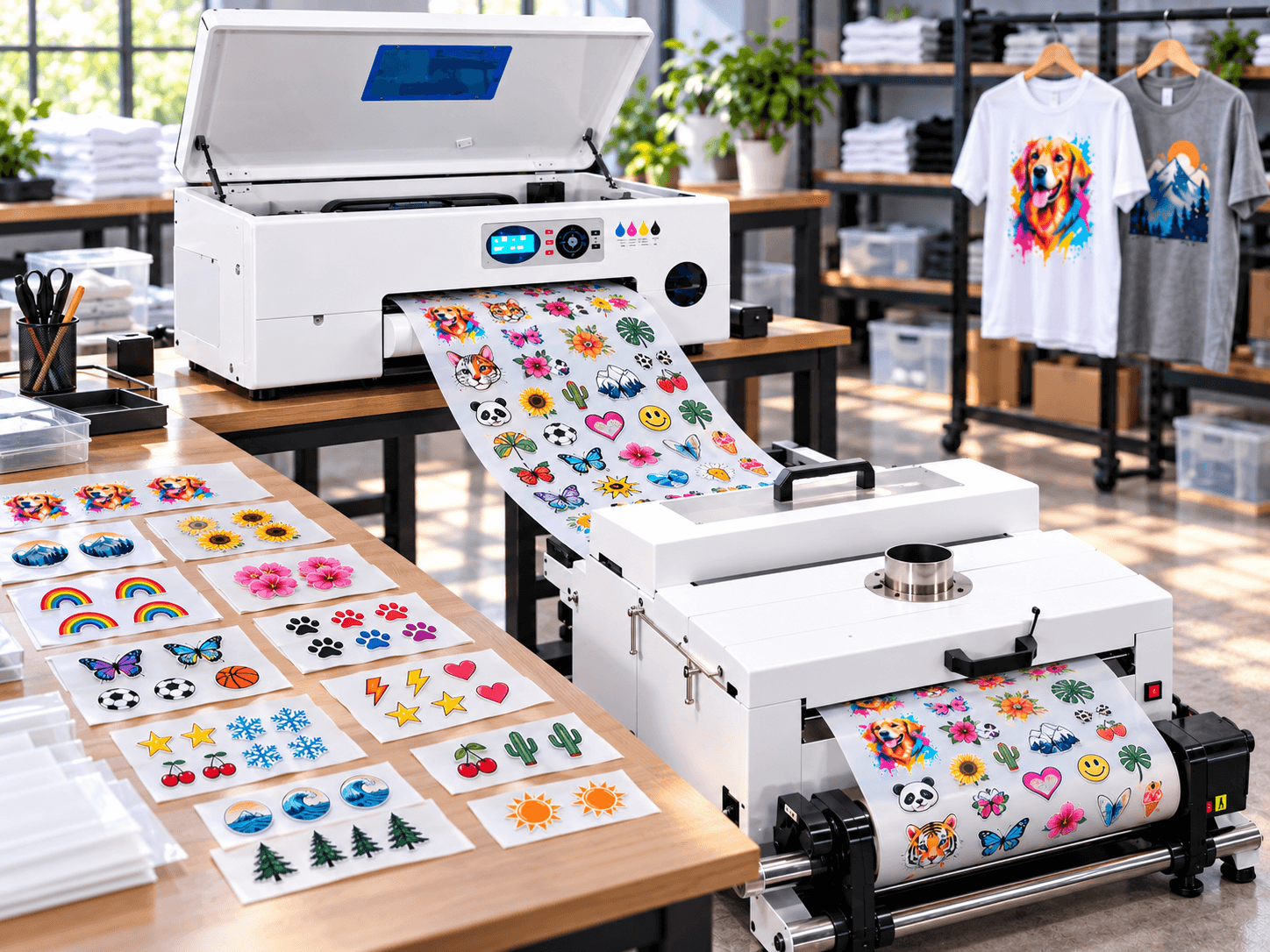
A DTF (direct-to-film) printer creates designs on specialized transfer film. Adhesive powder is applied and dryer before the design is heat pressed onto a garment. A complete workflow may also require powdering and dryer equipment, a heat press, compatible consumables and software. This page covers apparel DTF printing; for transfers intended for rigid items, visit our UV DTF printer collection.

Find a DTF Machine That Fits Your Workflow

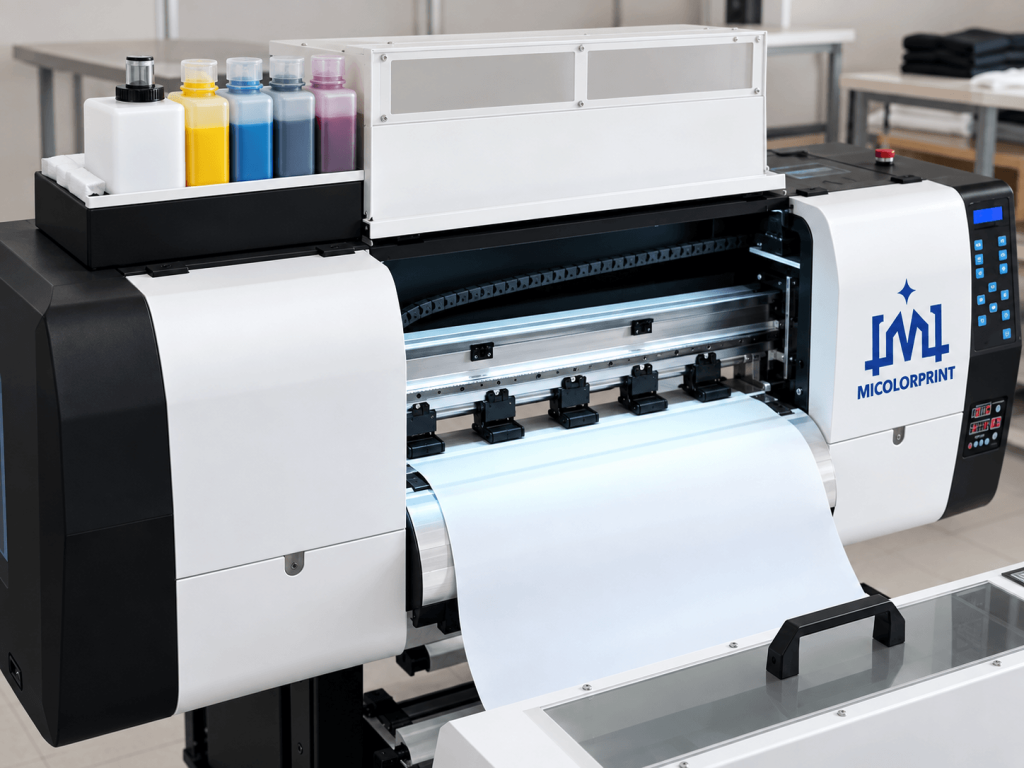
30cm dtf printer for Starting a custom T-shirt business

Starting a custom T-shirt business

Avoid choosing a machine by headline price alone. Tell us your expected order size, biggest graphic and available workspace. We can help you compare an entry configuration with the other equipment needed to make finished transfers.

30cm dtf printer for Adding DTF to an existing print shop

Producing transfers for other shops

Your new printer should work with your current order flow. Share your existing heat press or finishing equipment, daily jobs and how often artwork changes. We will review compatible options and any gaps in the line.

60cm dtf printer for Producing transfers for other shops

Producing transfers for other shops

Continuous printing matters only when film handling, powdering and dryer can keep up. Discuss repeat orders, gang-sheet layouts and target output as one workflow rather than selecting by printhead count alone.

Compare Our DTF Printers for Sale

Different buyers need different usable widths and production arrangements. Compare the machines below, then ask us to confirm the exact configuration available for your order.

30cm dtf printer for Starting a custom T-shirt business

A good starting point for: small print shops handling custom T-shirt orders and short-run transfers.

  • Usable print width: Up to 300 mm
  • Printhead model and quantity: Epson XP600/Epson F1080 × 2
  • Supported film format: roll-fed PET transfer film, up to 300 mm wide
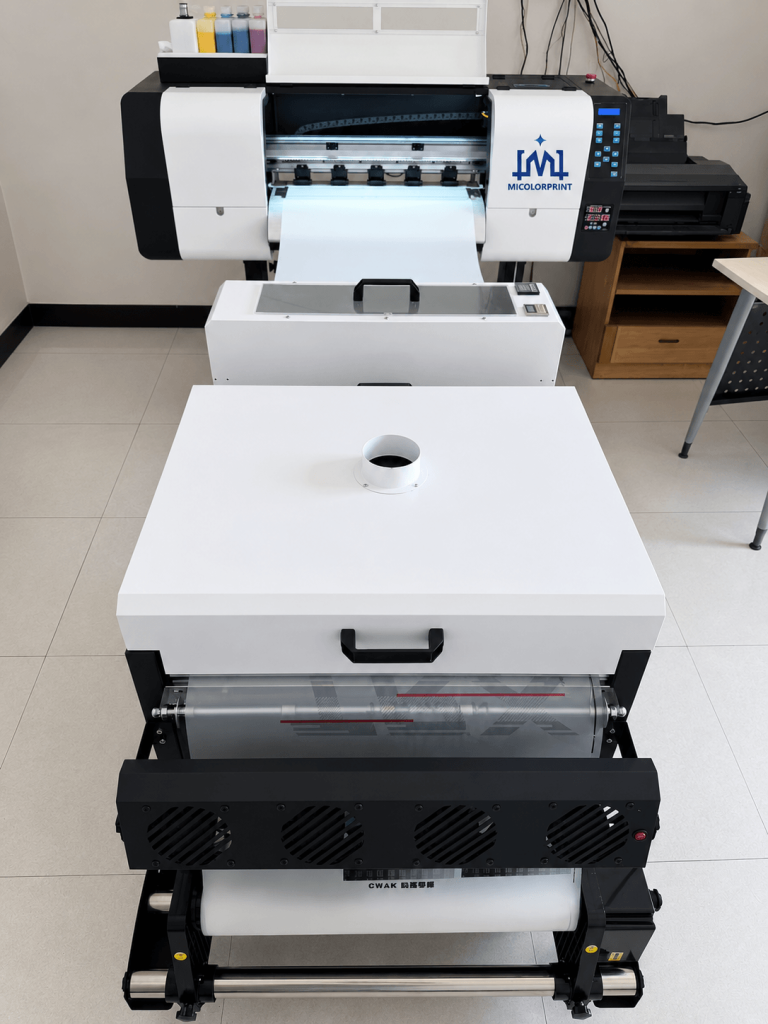
  • Compatible powdering and dryer equipment: Matching 30cm powder shaker and dryer unit
  • Software included: Maintop/UltraPrint/RIIN RIP+ motherboard software
60cm dtf printer for Producing transfers for other shops

A2 DTF Printer

A good starting point for: print shops handling medium-size garment graphics and a mix of custom and repeat orders

  • Usable print width: Up to 420 mm
  • Printhead model and quantity: Epson XP600/Epson F1080/Epson I1600× 2pcs
  • Supported film format: roll-fed PET transfer film, up to 420 mm wide
  • Compatible powdering and dryer equipment: Matching 42cm powder shaker and dryer unit
  • Software included: Maintop/UltraPrint/RIIN RIP+ motherboard software
60cm dtf printer for Producing transfers for other shops

60cm / 24 Inch DTF Printer

A good starting point for: print shops producing regular apparel orders and transfer sheets.

  • Usable print width: Up to 600 mm
  • Printhead model and quantity: Epson i7610/Epson i3200-A1 × 4pcs
  • Supported film format: roll-fed PET transfer film, up to 600 mm wide
  • Compatible powdering and dryer equipment: Matching 60cm powder shaker and dryer unit
  • Software included: Maintop/UltraPrint/RIIN RIP+ motherboard software

Not sure whether you need A3, A2 or 60 cm? Start with your largest regular design, not the machine’s category name. Ask for the usable printing width of each model; film width and print width can differ. Your daily order mix and finishing equipment also affect the decision.

DTF Printers for T-Shirt Printing and Transfer Orders

Your customers buy the finished garment, not a print-speed specification. Review physical samples that match your materials and artwork before you select a machine.

Light-color T-shirts

Review color, fine detail and the final pressed appearance.

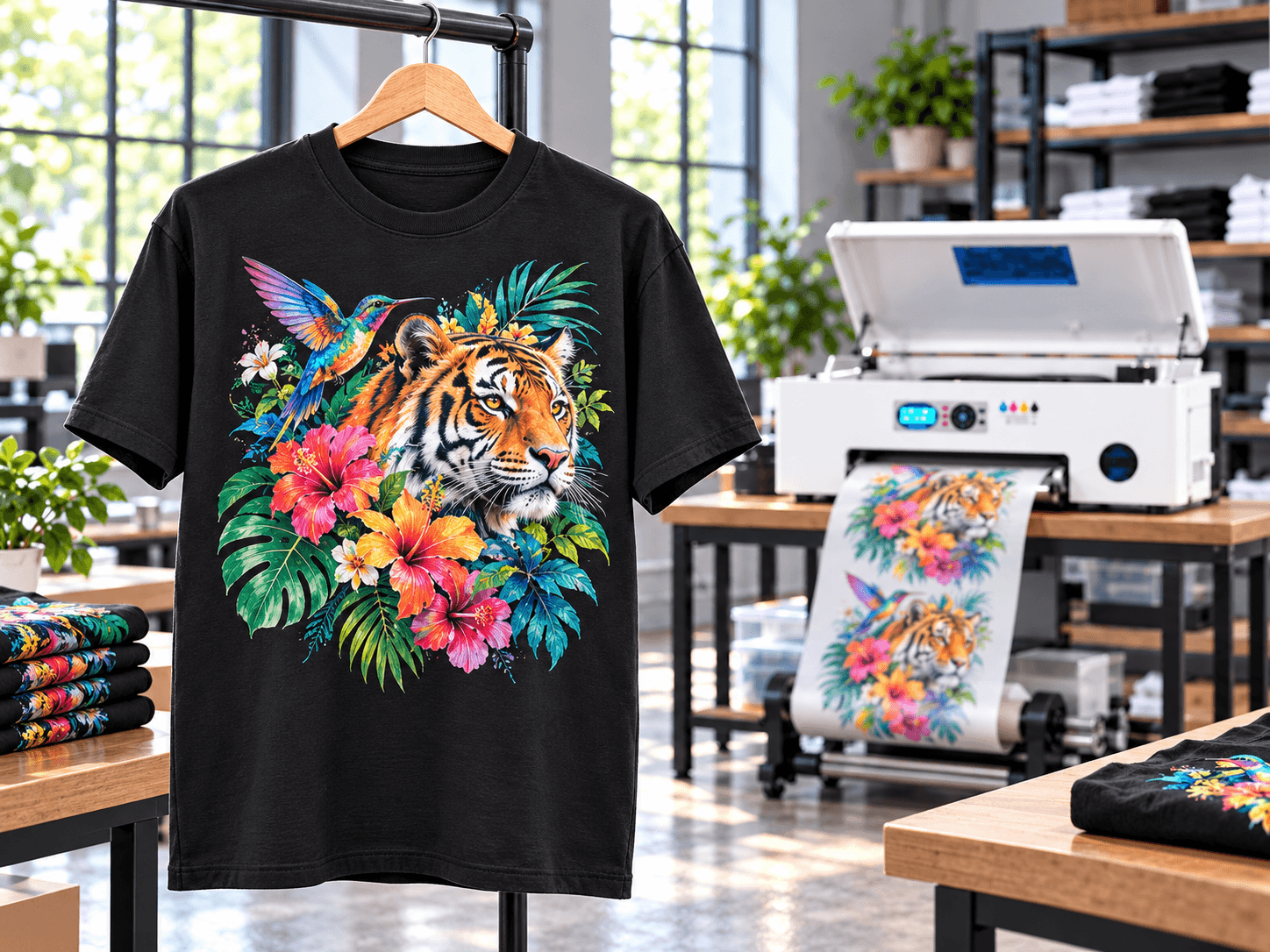
Dark-color T-shirts

Check the white underbase, edge detail and coverage on the fabric you intend to use.

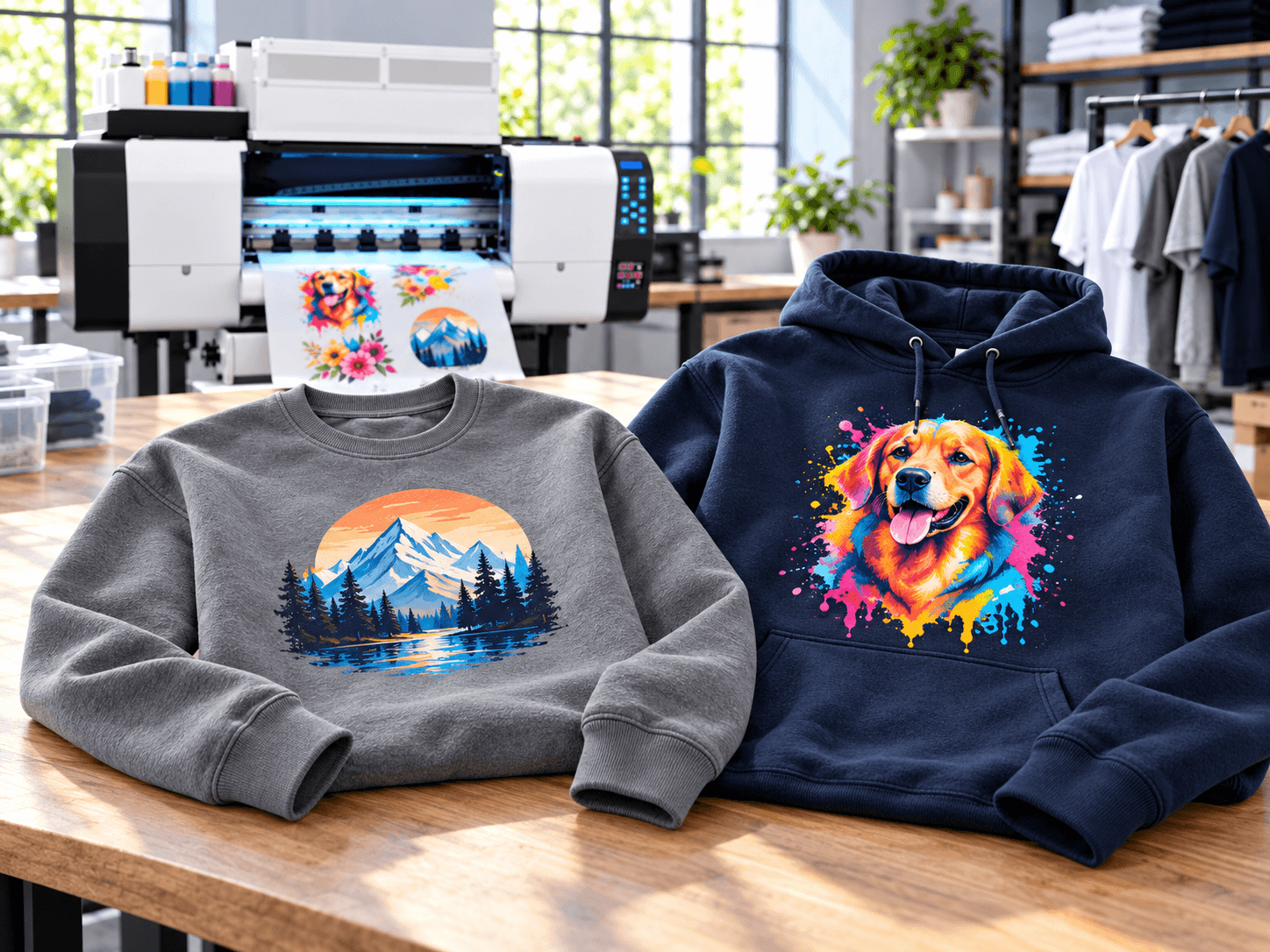
Hoodies and sweatshirts

Compare the printed result with your target artwork size.

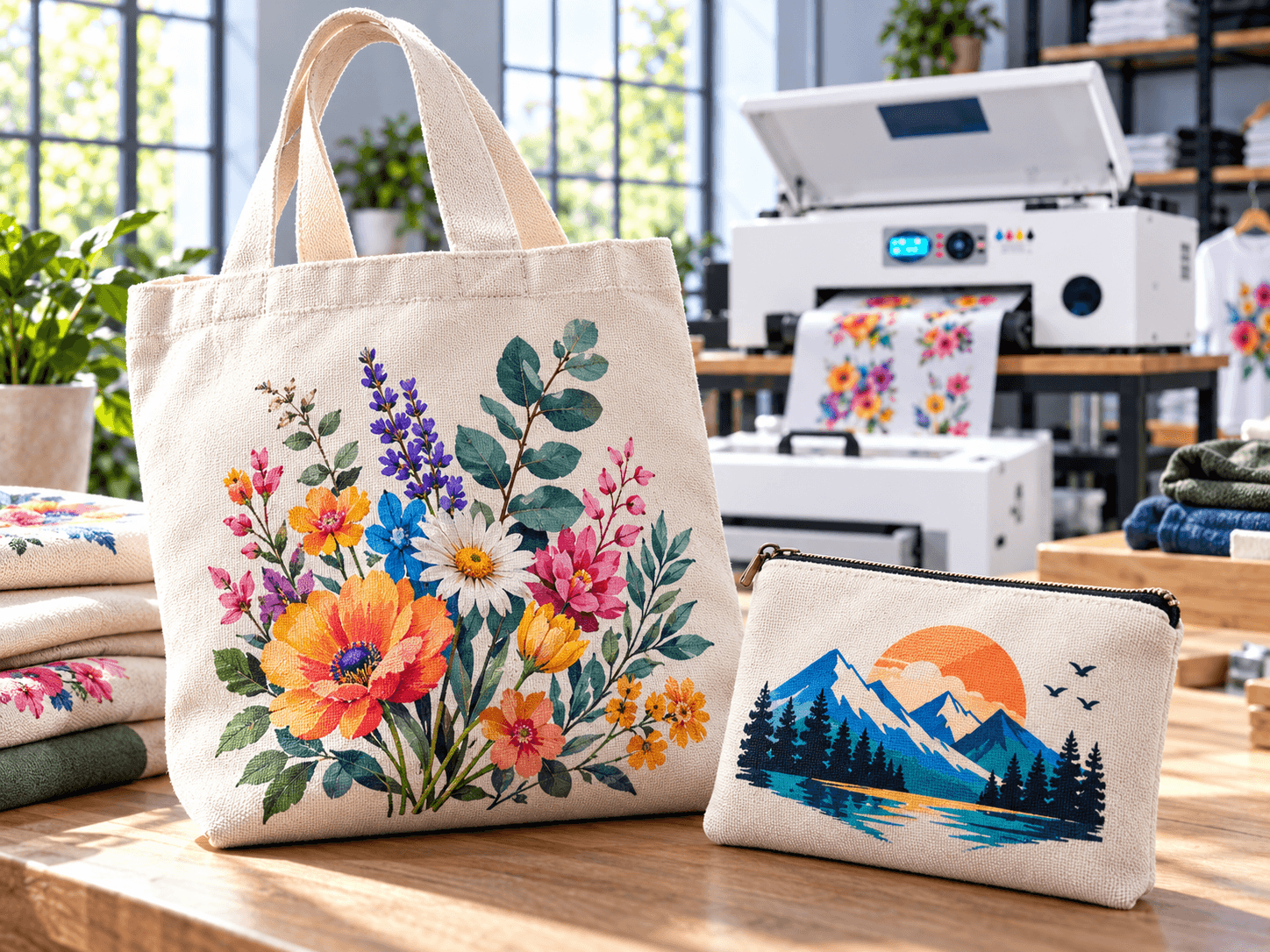
Tote bags and fabric accessories

Examine the transfer on the actual fabric rather than assuming the same result across materials.

Small logos and mixed orders

See how multiple designs can be arranged on film and identified for separate orders.

Transfer production

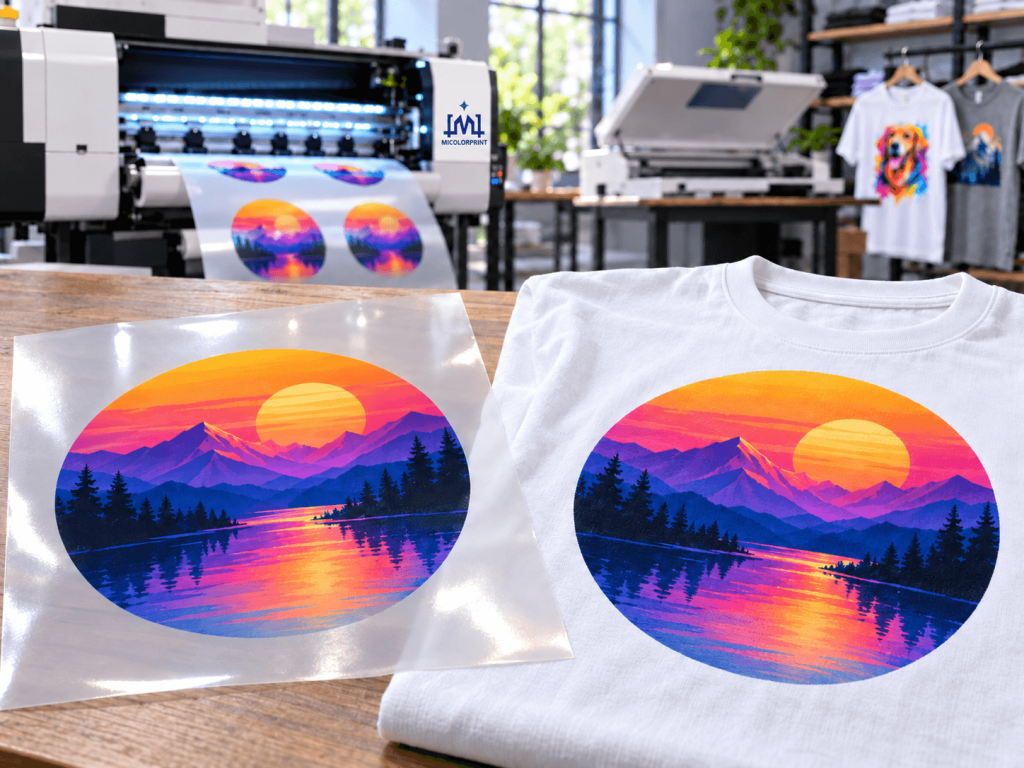
Compare printed film, cured transfer and pressed garment from the same job.

Need to check a particular fabric or brand color?

Share your artwork and material requirements. We will confirm whether a relevant sample test can be arranged, and which materials and test conditions will be used.

From Artwork to a Finished T-Shirt

dtf printer From Artwork to a Finished T-Shirt operate

1. Prepare and arrange the designs.

Use the supplied software to size artwork, manage the required print layers and arrange jobs on the film. Confirm the software and features offered with your selected model.

2. Print on transfer film.

The machine prints the design onto compatible film. Ask for an actual print test if your jobs contain small text, gradients or large white areas.

3. Apply powder and cure.

Match the powdering and drying method to the printer and consumables. Manual and automated finishing require different equipment and labor.

4. Heat press to the garment.

Transfer the prepared design using the settings appropriate to the film, powder and fabric; inspect the finished result on your intended garment.

Printer-only or complete line?

A printer quotation does not automatically include a powder shaker, drying unit or heat press. We list standard items and options separately so you can see what is needed before production begins.

Check the Details That Can Affect Your Orders

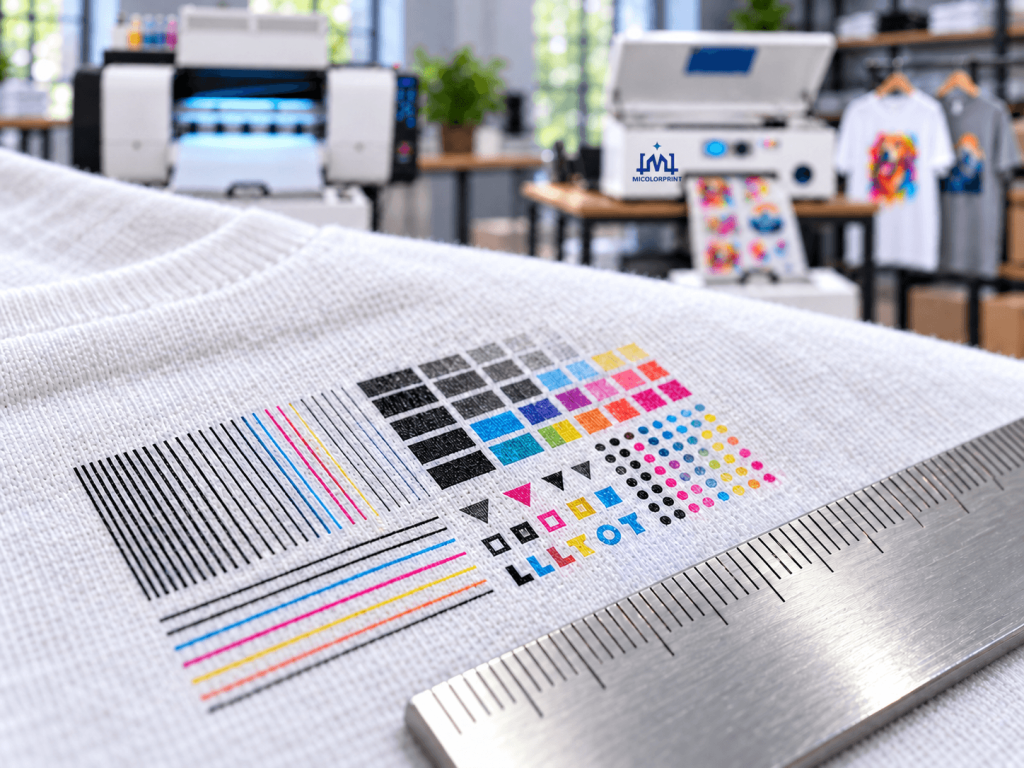
Small text and narrow lines

Review them at their final printed size, not only in a digital mockup.

dtf printer for Color transitions

Color transitions

Compare gradients on the film and finished garment.

dtf printer for White coverage on dark fabric

White coverage on dark fabric

Inspect opacity, registration and the edge of the design.

Pressed result

Compare the film, prepared transfer and actual pressed item from the same job.

Every published test should identify the machine, print mode, artwork dimensions, ink, film, powder, fabric and pressing conditions where available. If wash or stretch performance matters to your customer, request a documented test with its method and observed result. We do not treat one test as a universal guarantee across fabrics and consumables.

Plan for Finished Orders, Not Printer Speed Alone

A speed figure describes a particular print test. Your actual daily output also depends on artwork preparation, film layout, powdering, drying, cutting, heat pressing, inspection and the number of people operating the line.

dtf printer for Plan for Finished Orders, Not Printer Speed Alone
What to checkWhy it mattersWhat to ask us for
Usable print widthDetermines how your regular designs fit on filmWidth for the exact quoted model
Print mode and test imageChanges reported printing speedSpeed with mode, artwork and unit stated
Job mixShort runs may involve frequent file changesA sample layout using your designs
Finishing equipmentCan limit output even with a faster printerMatched powdering and drying configuration
Heat pressing and staffingDetermine finished garment throughputWorkflow review based on your team

Have many small orders?

Send two or three typical files. We can review how they fit on film and what the finishing steps would involve.

dtf printer for Complete workflow diagram

Understand the Maintenance Before You Buy

60cm dtf printer for white ink Ink Supply Area

White-ink condition and nozzle performance matter to print quality and downtime. Features such as circulation or agitation vary by machine; even when present, they do not eliminate daily operating and maintenance requirements.

Ask for the selected model’s written guidance on nozzle checks, white-ink handling, cleaning, shutdown, idle periods and recommended operating environment. If you do not print every day, tell us your expected schedule before choosing a configuration.

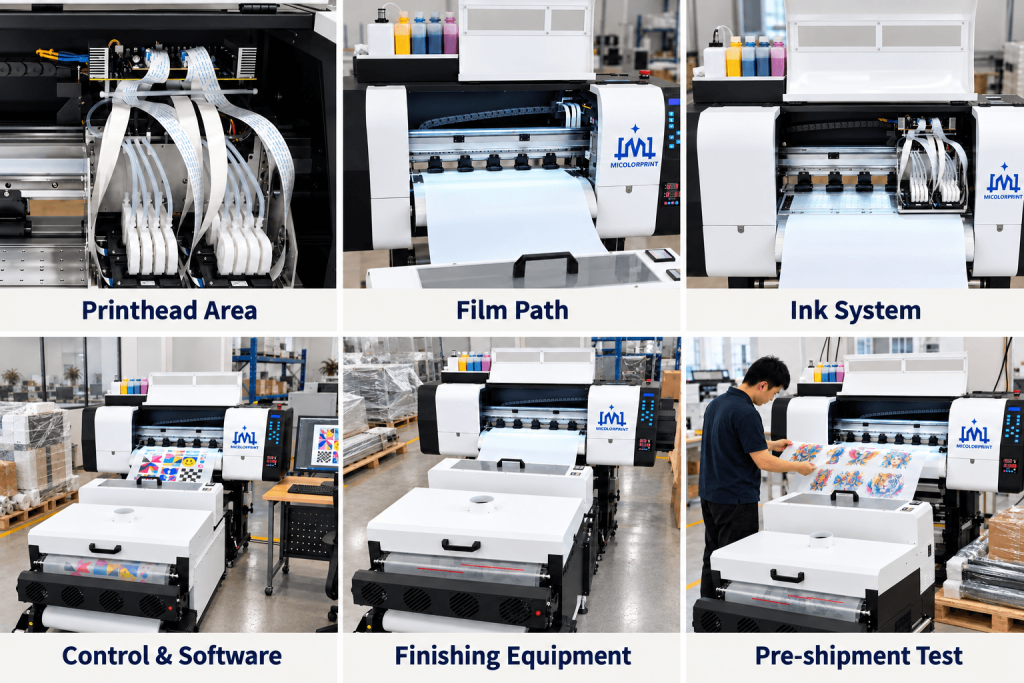
See the Configuration You Are Quoted

Printhead area

Check the precise head model and quantity specified for your order.

Film path

Review how the quoted model feeds the film you plan to use.

Ink system

Confirm the white-ink functions and operating procedure for this configuration.

Control and software

Verify the RIP name, license and supported workflow.

Matched finishing equipment

Review the actual powdering and drying equipment if included or offered as an option.

Pre-shipment test

Request available photos or video tied to the agreed configuration.

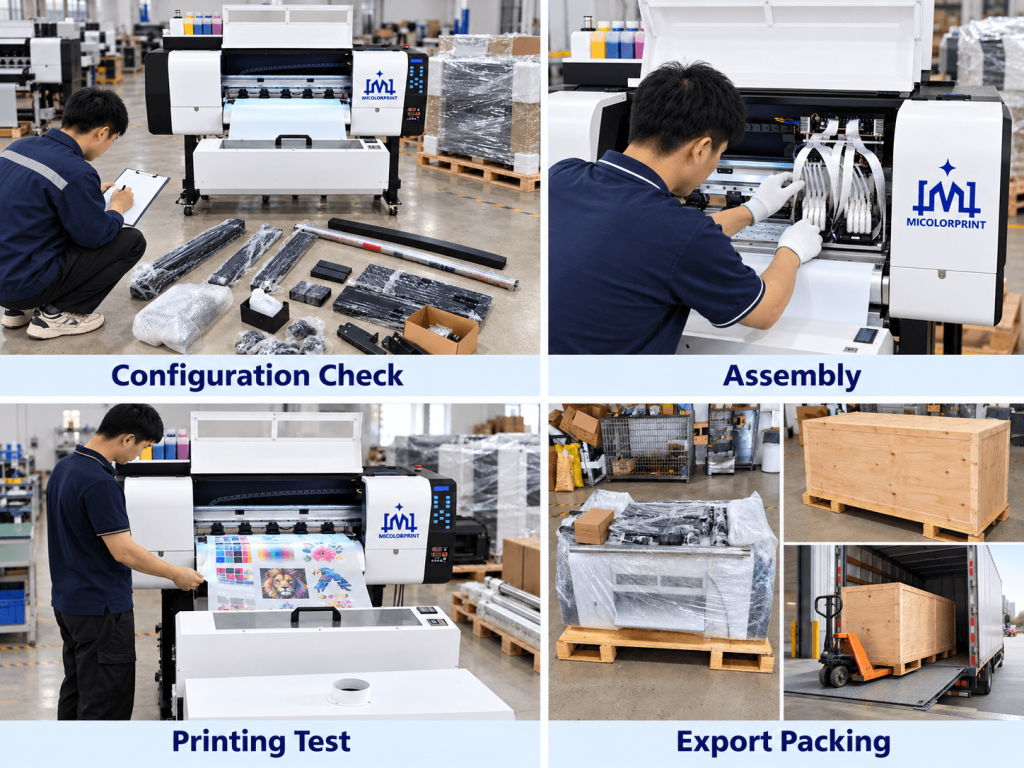
At Micolorprint, the equipment and accessories in your order should be checked against a written configuration before packing.

dtf printer for check+assmbly+pro-package
dtf printer for check+test+package+shipping

What Does a DTF Printer Quote Include?

The price of a DTF printing machine depends on the model, printhead configuration and scope of the package. Compare quotations item by item rather than comparing a printer-only figure with a complete production line.

ItemState clearly in your quotation
PrinterExact model, usable width and head configuration
SoftwareRIP name, license and supported system
FinishingPowdering/dryer unit and heat press: included or optional
ConsumablesInk, film and powder types and starting quantities
Accessories and spare partsExact items and quantities
Training and supportFormat, language, scope and service channels
WarrantyPeriod, covered parts and exclusions
ExportPacking, shipping term, destination and responsibility for local charges

Worried about costs after purchase?

Include replenishment consumables, cleaning supplies, potential waste, spare parts, labor and shipping in your comparison. A per-transfer estimate only has meaning when artwork size, coverage, layout and test assumptions are shown.

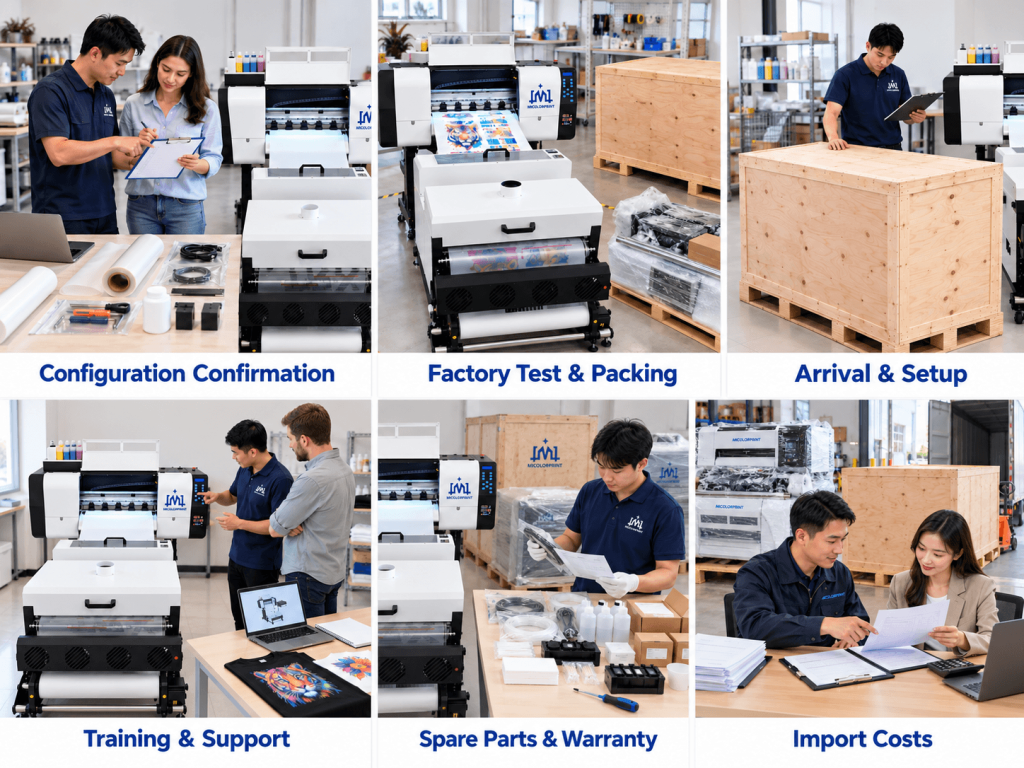
Know What Happens After You Place an Order

Configuration confirmation

Check the model, printheads, voltage, software, accessories and optional equipment in your written order.

Factory test and packing

Request the agreed pre-shipment checks, packing list, package dimensions and gross weight for the exact order.

Arrival and setup

Confirm what to inspect on delivery and what installation guidance is provided before the machine is put into service.

Training and technical support

Confirm the training format, language, contact channel, hours and troubleshooting process in writing.

Spare parts and warranty

Check availability, covered components, exclusions and the procedure for obtaining replacement parts.

Avoid unexpected import costs

Confirm the Incoterm and responsibility for freight, insurance, customs clearance, duties, local port charges, final delivery and unloading.

DTF Printer Frequently Asked Questions

Share your largest design, typical order volume, fabrics and budget for the full setup. Compare usable print width and the equipment needed for powdering, drying and pressing. We can then identify models worth reviewing rather than recommending one machine to every new business.

The printer produces designs on transfer film. A complete setup also needs a suitable powdering and curing process and a heat press. Software and consumables must be accounted for as well. Ask for an itemized quotation.

DTF can use a white layer for designs on dark garments, but finished results vary with the transfer materials, fabric and pressing conditions. Request a sample on a garment similar to yours, especially for heat-sensitive or stretchy fabrics.

Ask for the model, print mode, artwork dimensions and units used in the speed test. Then assess the time needed for powdering, curing, handling and heat pressing to estimate finished orders.

No. A white-ink management feature does not replace the model’s operating instructions or routine maintenance. Confirm the exact feature and required daily tasks for the machine you are considering.

Review a documented test that names the fabric, materials, pressing process, wash conditions, number of cycles and observed result. A result for one combination should not be treated as a guarantee for every garment.

It depends on the quotation. We should identify each item as included, optional or supplied separately in your written offer.

Compatibility depends on the selected model and the specifications of your equipment. Send the software name and version and the details of your finishing equipment for review.

The shutdown and restart procedure depends on the machine and ink system. Ask for the selected model’s written instructions and describe your expected printing schedule before purchase.

Send the design file, final dimensions, garment fabric and the details you need to inspect. We can confirm the available sample service, materials, timeframe and any cost.

The written warranty for the quoted model should specify its period, covered parts, exclusions, start date and claim procedure. Ask specifically how printheads and consumable components are treated.

Tell us your country, intended garments, largest design, expected order volume, existing equipment and whether you need a printer alone or a complete setup. Add sample artwork if you want to discuss print quality.

Tell Us What You Plan to Print

Let us know your garments, design size and production needs. We will review a suitable DTF printer configuration and identify the equipment and services to include in your quotation.

Tell us these

Scroll to Top

Get In Touch

Fill in the form below and our team will be happy to assist you

Contact Information

Whatsapp:+8613917392762 
Email:service@micolorprint.com

Opening Hours

Monday – Friday 9am-6pm 
Weekend – Closed

Address

501, Building B, No. 13, Maling 2nd Road, Nanlian Community, Longgang Street, Longgang District, Shenzhen, Guangdong, China