
The UV Lamp in a UV Flatbed Printer
The UV lamp is one of the core components of a UV flatbed printer. Its main function is to ensure that the UV ink cures quickly and completely on the surface of the printed pattern, preventing color fading, peeling, or incomplete adhesion.
Over long periods of use, both natural aging of parts and improper operation can cause malfunctions.
For medium and large water-cooled UV printers, the four most common UV lamp issues are:
* UV lamp dimming
* UV lamp not turning off
* UV lamp not lighting up
* Incorrect UV lamp curing distance
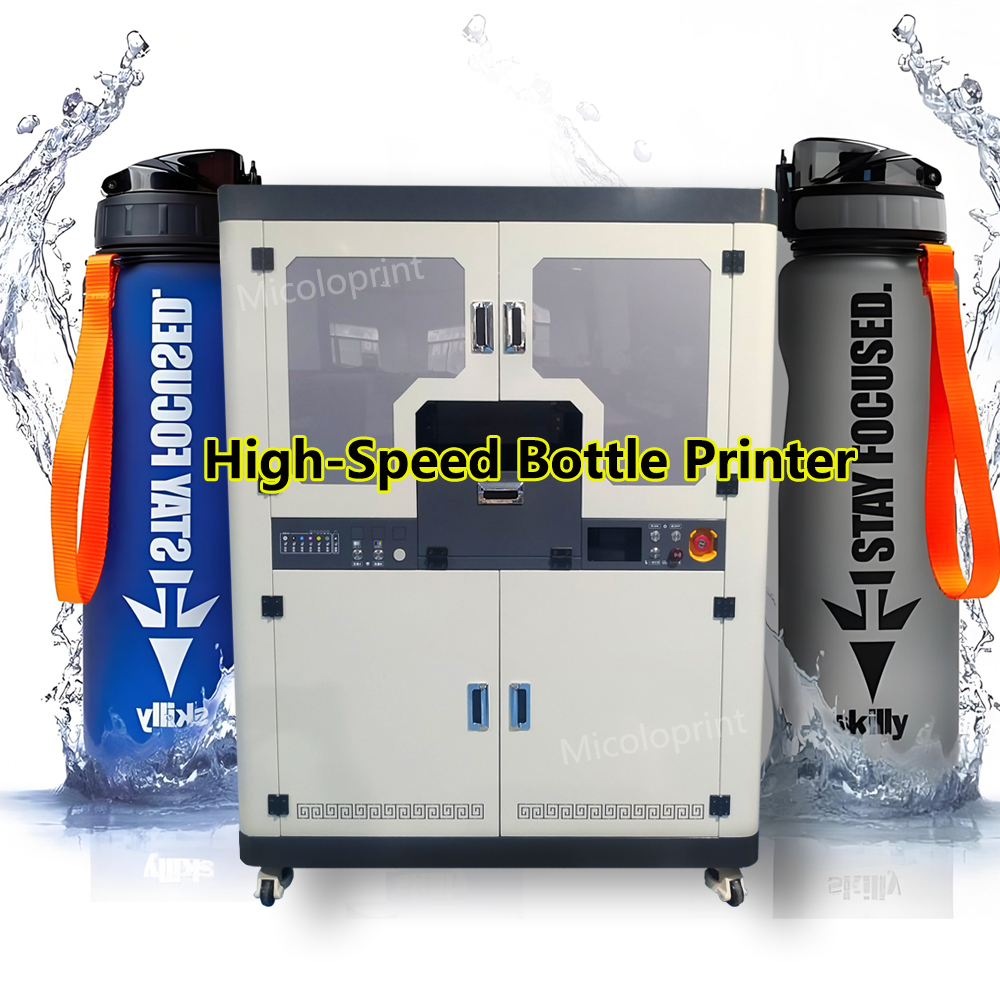
1. UV Lamp Dimming
Possible Causes and Solutions:
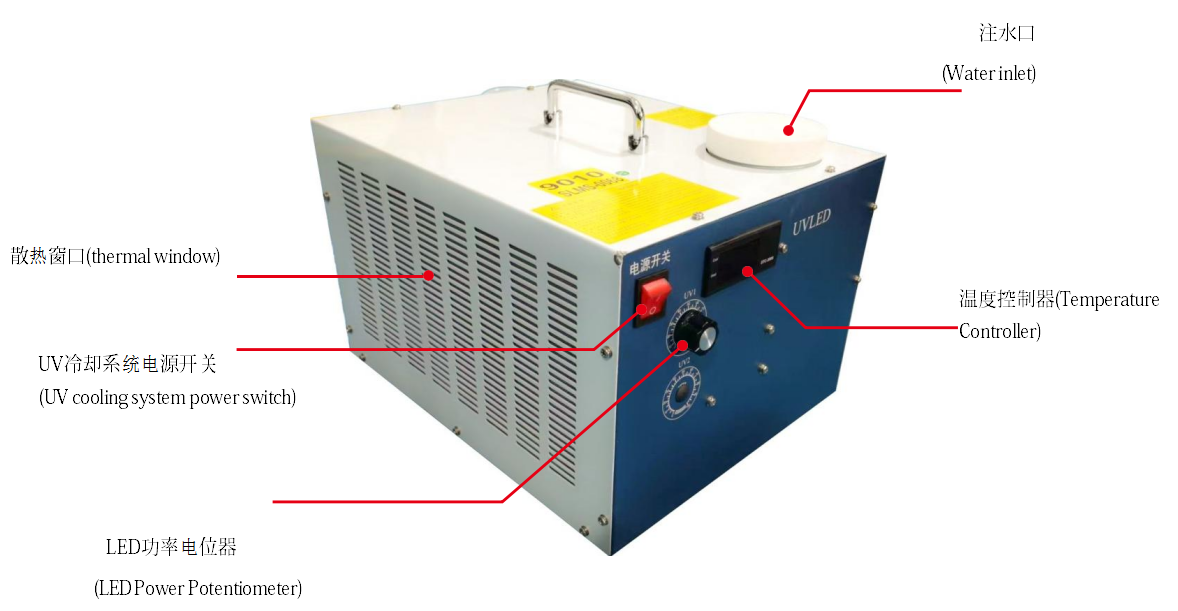
- Water tank knob adjusted incorrectly: Turn the knob on the water tank to the proper position.
- Internal power damage in the water tank: Open the water tank and repair or reconnect any burnt or short-circuited wires.
- UV power cable damaged: Replace with a new UV power cable.
- UV lamp strip damaged: Replace with a new UV lamp strip.
- Loose connections: Tighten any loose connectors.
- High operating temperature: Check and refill the coolant in the water tank.
2. UV Lamp Not Turning Off
Possible Causes and Solutions:
- Y-board relay aging: Replace with a new Y-board relay.
- Software UV test not turned off: Disable the UV test in the software.
- UV control wire short-circuited: Replace or reconnect the control wire.
- Mainboard malfunction: Replace with a new control board.
3. UV Lamp Not Lighting Up
Possible Causes and Solutions:
- UV power cable damaged: Replace with a new UV power cable.
- UV lamp strip damaged: Replace with a new UV lamp strip.
- Water tank internal power failure: Inspect and repair the damaged power section, or contact the manufacturer for replacement.
- Water tank knob set to zero output: Adjust the output power knob.
- Control software lamp not enabled: Turn on the lamp in the control software.
- Lamp burned out: Contact the manufacturer for replacement.
- Mainboard malfunction: Contact the manufacturer to replace the control board.
4. UV Lamp Curing Distance Error
Possible Causes and Solutions:
- UV lamp power cable reversed: Correct the wiring polarity of the UV power cable.
- Incorrect light curing distance: Adjust the curing distance in the control software.