
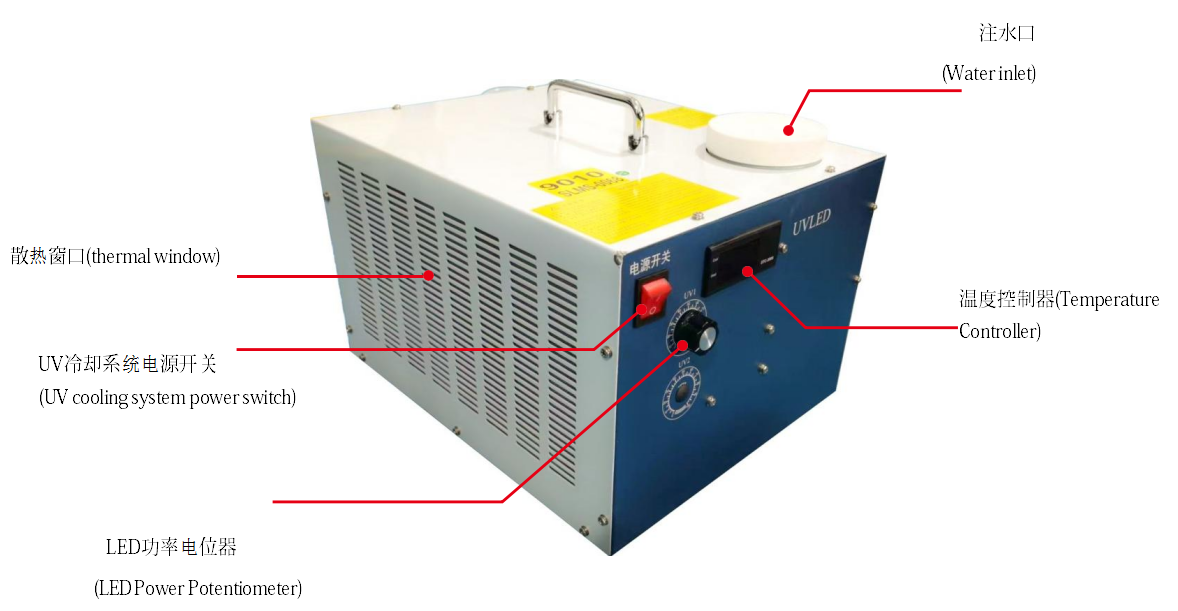
The water tank of a UV flatbed printer is one of the core components of the water-cooling system, which differs from air-cooling. Compared to air-cooling, water-cooling provides faster, more stable cooling with a lower failure rate.
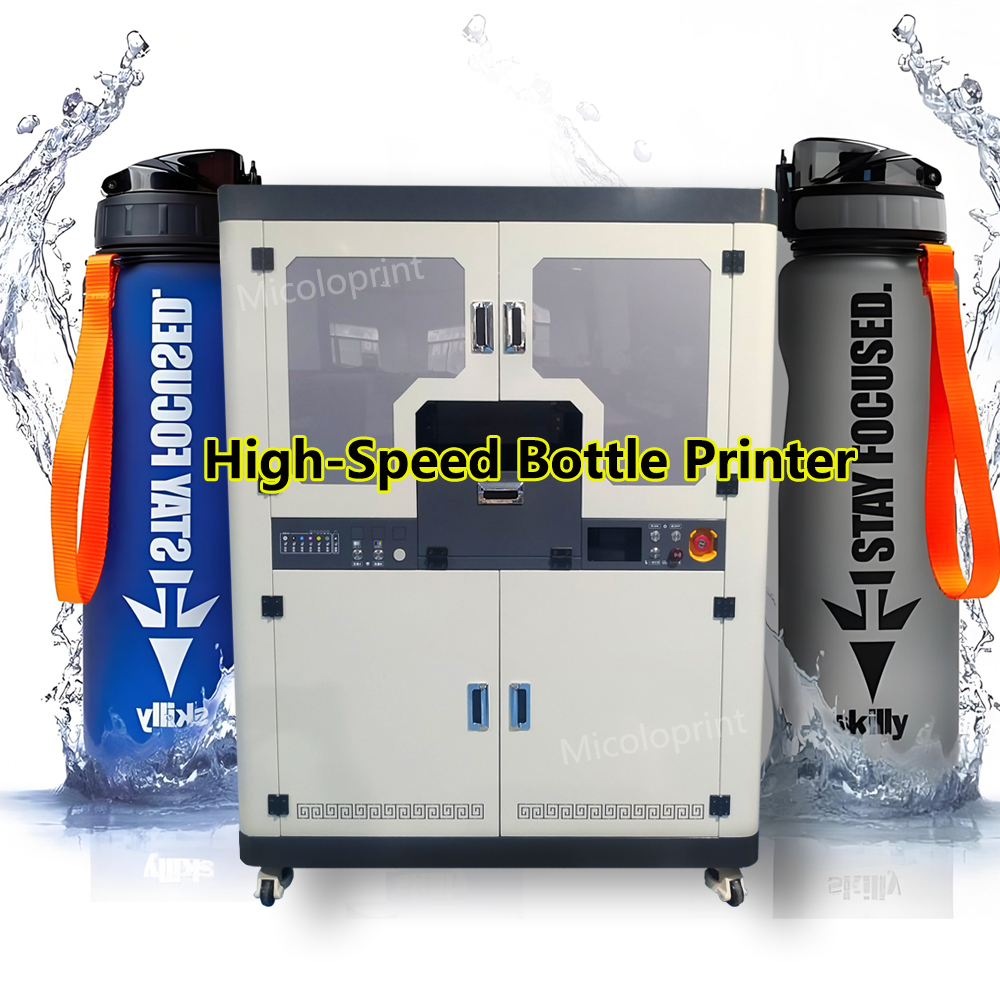
Water-cooling systems are mainly used in medium and large industrial UV printers (such as 2513, 1613, and high-speed bottle tumbler printers), while air-cooling systems are mostly used in small and medium-sized UV printers (A1, A2, A3, A4, A5).
When a water tank malfunction occurs, an alarm sound and indicator light will usually appear, and the issue should be resolved promptly to prevent interruptions to normal inkjet printing.
Water Tank Malfunction 1: Low Liquid Level
Solution: Open the water tank cover and add new distilled water and coolant.
Water Tank Malfunction 2: Low Flow Rate or Faulty Sensor
Solution: Increase the flow rate of the water tank until it reaches a normal range. If the sensor is malfunctioning, contact the manufacturer to replace it.
Water Tank Malfunction 3: Temperature Over Limit
Solution: When the water tank temperature exceeds the preset upper limit, an alarm will sound. Reduce the operating power or pause the machine temporarily.
Water Tank Malfunction 4: Loose Power Connector
Solution: Tighten the power connector of the UV flatbed printer’s water tank.
Water Tank Malfunction 5: Liquid Freezing
Solution: Add new antifreeze, especially during cold winter temperatures. Warm up the factory environment where the UV printer operates — if possible, install an air-conditioning unit, but avoid directing airflow directly at the machine.
Water Tank Malfunction 6: Power Supply Failure
Solution: The water tank is covered under warranty. If the power supply is damaged, contact the manufacturer for a replacement.
Note:
Do not use tap water in the UV flatbed printer water tank, as it contains too many impurities. Always use purified or distilled water, and replace it every 3–4 months to prevent impurity buildup and clogging.