
UV Flatbed Printer Buying Guide
This UV flatbed printer buying guide analyzes the selection process from three perspectives: the user, the manufacturer, and the equipment itself. It does not recommend any specific brand or model of UV flatbed printer. Instead, readers can filter their options according to their own needs. At the end of this article, we also list 10 common questions users have when purchasing UV flatbed printers, along with detailed answers.
I. The User
1. Budget! Budget! Budget!
It cannot be emphasized enough—without considering the budget, any discussion about purchasing is meaningless. The market price of UV flatbed printers generally falls into four categories:
a. Under USD 7,200
Mostly small modified UV flatbed printers, commonly A1, A2, A3, and A4 models. Print heads are usually consumer Epson series or small Ricoh heads.
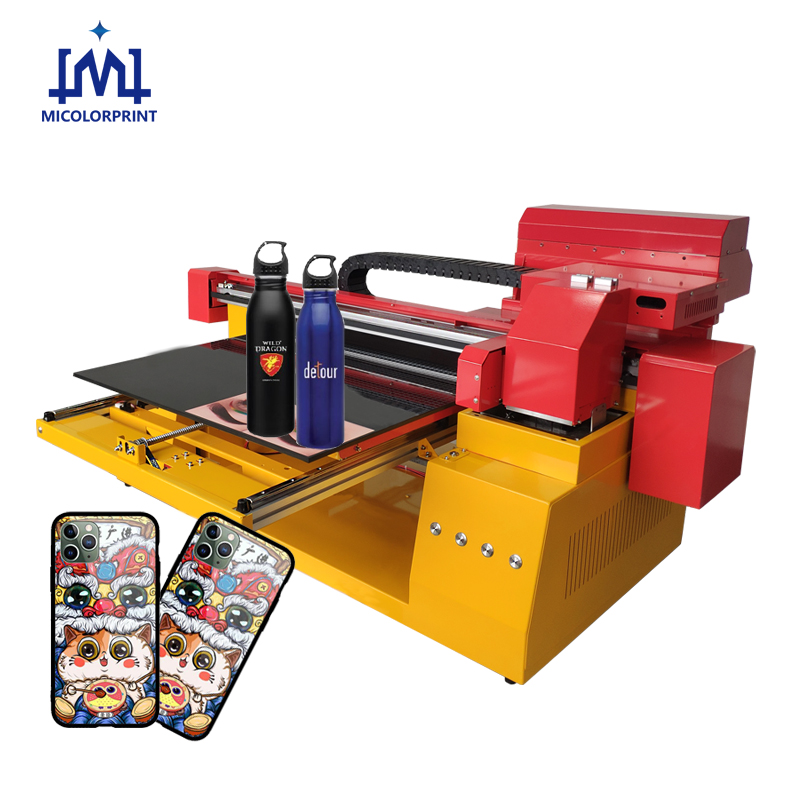
Drawbacks: High failure rate, short lifespan of print heads, and troublesome maintenance. Suitable only for practice or entry-level use.
With ongoing inkjet technology improvements, some small desktop UV flatbed printers equipped with high-quality print heads now have lower failure rates and are easier to use—though they are limited in print size.
b. USD 7,200 – 14,300
Primarily consumer-grade UV flatbed printers, with common models like 1015, 1325, 1610, 2513, high-speed tumbler botte printer, etc.
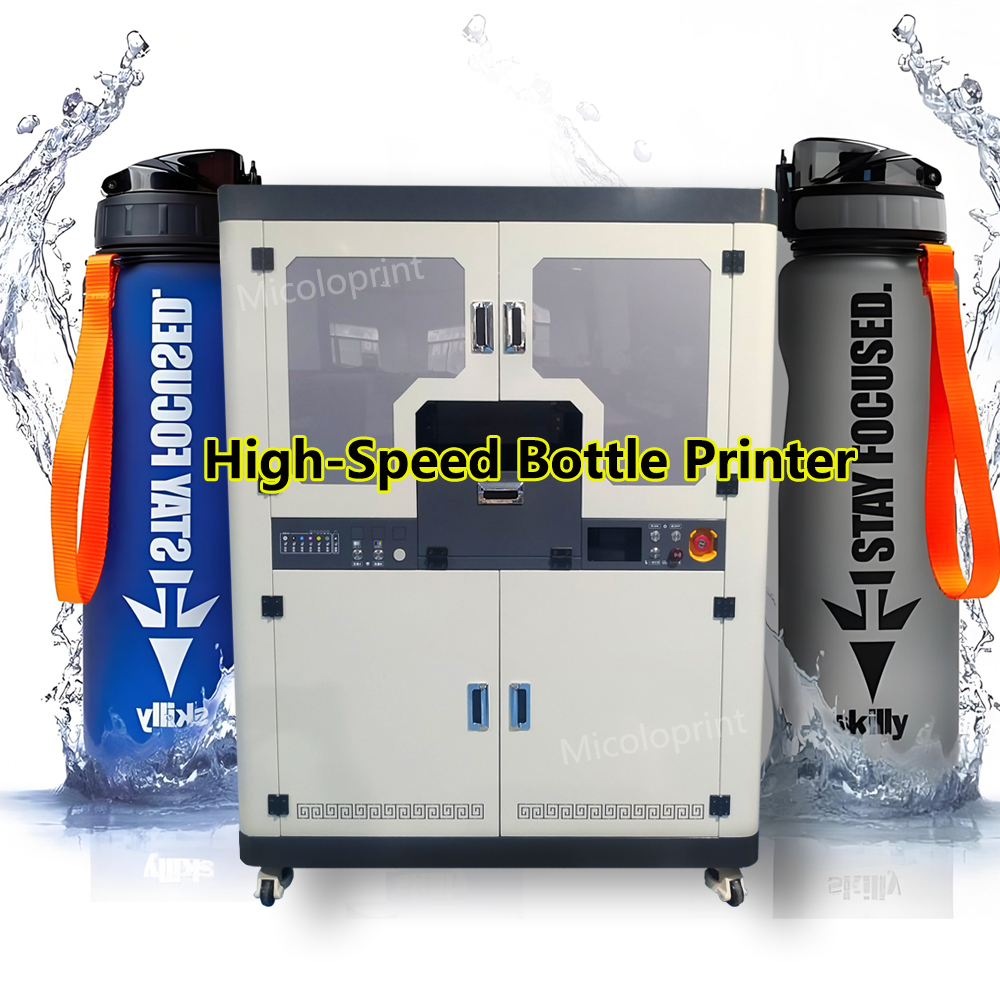
Print heads include Epson 5th generation, Toshiba, Konica, and mid-range Seiko heads.
Key point: Larger printers generally have lower-spec print heads and fewer in number; smaller printers tend to have higher-spec and more print heads.
In simple terms, you can choose a small-format, high-spec machine or a large-format, lower-spec one. Suitable for small business shops. If conditions allow, opt for higher-spec configurations at the same price.
c. USD 14,300 – 24,600
Mainly industrial-grade UV flatbed printers—this is currently the largest segment in terms of both users and units sold.
Models include 1610, 2513, 2030, 2533, 3040, high-speed tumbler/bottle printers, etc.
Common print heads: Ricoh G5, Konica 1024i, Seiko GS508, Seiko GS1024.
Depending on price, print head configurations range from 5 (standard) to 8 (upgraded).
d. Above USD 24,600
Large-format, high-end, or imported UV flatbed printers.
High-end models feature higher-grade print heads, more heads, or very large print sizes.
These are typically used by large-scale factories.
At the extreme, million-dollar UV flatbed printers feature 16 to 256 print heads, priced at over USD 1 million—suitable only for “big spenders.”
2. Materials
a. Material size determines the machine size. For example, in the advertising industry, standard boards are 1.2m × 2.4m, so the most common UV flatbed printer is model 2513 (print area 2.5m × 1.3m), which covers the full board.
b. Material thickness determines whether a customized (non-standard) machine is required. Standard UV flatbed printers can print up to 8 cm in height. Beyond this, custom height adjustments are required, raising both cost and delivery time.
c. Material properties determine whether UV printing is suitable. Not all materials are ideal—e.g., plush, cotton textiles, and irregular shapes. When in doubt, consult the printer manufacturer.
d. Material cost should also be considered. UV printing, especially with 3D embossed effects, adds value and is best suited for higher-profit products. For low-value items (e.g., wallpaper), UV printing is unnecessary—cheaper printing methods are better.
II. The Manufacturer
1. Brand Reputation
a. First-tier, second-tier, and third-tier brands differ in brand value, which affects price. For the same configuration, first-tier brands are \~10% more expensive than second-tier, which are \~10% higher than third-tier.
b. Imported brands are typically 40%–80% more expensive than domestic models of the same configuration, due to brand premiums, import taxes, and distributor costs.
2. Company Type
a. Manufacturers – Can be verified via business licenses with terms like “production” or “manufacturing.” More reliable in price and quality.
b. Branch offices – Usually listed as “Company + Regional Branch.” Prices are close to the parent manufacturer.
c. Agents – May deal in other equipment (e.g., photo printers, cutting machines). They profit from commissions and rely on the manufacturer for after-sales service. Stronger agents may provide local service after training.
d. Traders – Typically named “Trading Company.” They act as middlemen, bridging buyers and manufacturers, earning commissions. Many export domestic UV flatbed printers abroad, or import foreign machines into the domestic market.
e. OEM/Rebranders – Some companies buy from other manufacturers and rebrand machines by changing the external design. Users rarely detect this.
III. The Equipment
1. Print Heads
Print heads are the core technology. More and higher-grade heads indicate stronger technical capability.
Print head types range from low-end to top-end. Price is a reliable indicator of performance—there are no “cheap and excellent” heads.
Open vs. closed systems: Open systems are cheaper but often assembled by companies with little R&D. Failures are often resolved only by replacing parts.
2. Print Size
Overall size reflects the manufacturer’s design capabilities. Even if you don’t need a large printer, asking about their maximum size helps compare brands.
Print width directly affects speed, cost, and hardware sophistication. Wider is better if the budget allows.
Smaller machines may have higher precision due to reduced mechanical tolerance.
3. Core Components
a. Curing lamps – UV LED lamps are more expensive and better than mercury lamps. Lamp beads are better than tubes. Good curing lamps ensure proper drying, preventing peeling or fading.
b. Gantry milling – Indicates whether beams and frames are precision-milled once or twice. Double-milling offers higher precision and stability, typical of industrial and branded machines.
c. Motors, rails, and screws – Branded parts are more reliable. Unknown brands increase future breakdown risks.
10 Common Questions from Buyers
- Does offering many models and configurations mean the manufacturer is better?
Not necessarily. Watch out for rebranders. No company can master everything.
- Do your print heads have a 2+ year warranty?
Warranty years are meaningless—focus on warranty terms. If they’re not realistic, even a 10-year warranty is worthless.
- Can I pay in installments?
Without bank support, installments often require a high down payment. Some machines are even refurbished second-hand models disguised as new.
- Can I use third-party inks?
Yes, but then after-sales service is not covered. If third-party ink damages the system, the manufacturer won’t be responsible.
- When is the best time to buy?
During industry trade shows or off-season (usually the second half of the year), when competition is strongest and discounts are higher.
- What happens after the warranty expires?
You can either pay for an extended warranty annually or pay per service (travel, labor, etc.) as needed.
- Why is your machine more expensive if specs look the same?
Compare core components and after-sales service. Often, the cheaper ones cut corners in critical parts.
- What are your payment terms?
Typically: 30% down payment, full balance before shipping. Terms may vary depending on negotiation.
- What if delivery is delayed?
Refer to the contract. The manufacturer must pay penalties based on daily interest. If excessively delayed, the buyer can cancel the order and receive a refund plus compensation.
- Is training provided, and is it easy to learn?
Yes. Generally, users train at the factory for 3–7 days, then receive 2–3 days of on-site guidance upon installation. Additional training is available via manuals, videos, and service visits. Small and mid-size printers are easy to use and pre-tested before shipment.